
Port configuration
A port's authentication template comes from one of two places: the fabric site, or the port itself. A port nobody has assigned inherits the global template, and the Ports table shows an inherit icon beside it. Port assignment sets the connected device type, a host, an access point, a trunk or an extended node, so one badge reader can differ without weakening the whole site.
By Arif, founder of Daveth · Updated
The full 5 min walkthrough is in Daveth Pro (Network). See what the plan opens
What this page answers
Which authentication template does an SD-Access port use?
Its own, if one was assigned to the port; otherwise it inherits the global authentication template from the fabric site, shown by an inherit icon in the Ports table. Read it in “The rule”
What can you set with SD-Access port assignment?
The type of device connected, user devices and endpoints, an access point, a trunk or a supplicant-based extended node, and network behaviour settings for each port. Read it in “What a port assignment sets”
One port that is not like the others
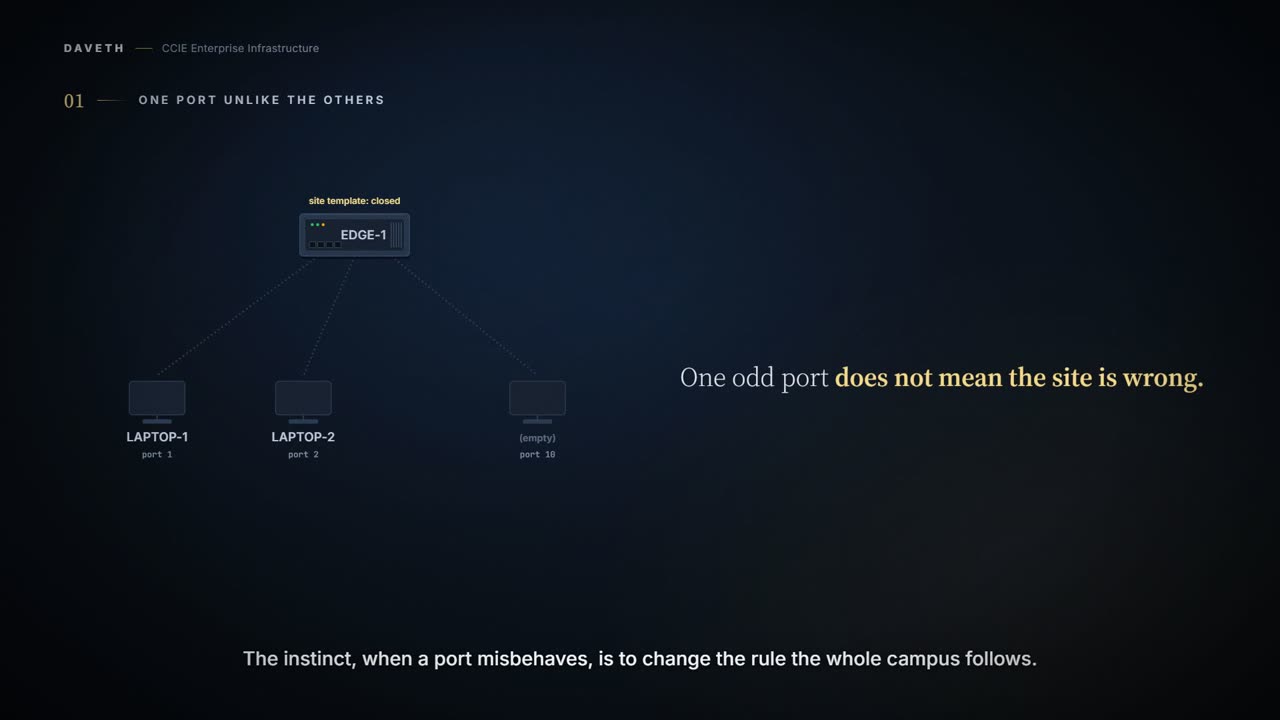
Forty-eight ports on an edge node. Forty-seven behave exactly as the fabric's authentication template says. One does not. Is it broken?
Probably not. Somebody configured that port on purpose, and port assignment is how.
And notice what that means for the forty-seven: one odd port does not mean the site is wrong. The instinct when a port misbehaves is to go and change the rule the whole campus follows. Hold that thought until the end of this page, where it gets expensive.
The rule
Port Assignment: Apply specific configurations to each port, depending on the type of device that connects to the fabric site. Authentication Template: Select an authentication template for the fabric.
So there are two places a port's authentication template can come from: the fabric site, and the port itself. Which one governs a port nobody has assigned? Step 1 of the walk asks it.
If you don't configure the authentication template for an individual port, the port inherits these settings from the global authentication template configuration. An inherit icon displays next to the authentication template name for the corresponding port in the Ports table.
A port's own template beats the site's. A port with a template of its own uses it; a port without one inherits the site's. The first version of this lesson said port settings override the global template. The current guide says it the other way round, as inheritance, and the effect is the same.
What a port assignment sets
The Port Assignment tab enables you to configure each access device in the fabric site. You can specify network behavior settings for each port on a device.
What do you choose when you assign a port? First, the type of device connected:
- User Devices and Endpoints: Configures the port to connect to a host device.
- Access Point (AP): Configures the port to connect to an access point.
- Trunk: Configure the port as a trunk port.
- Supplicant-Based Extended Node: Configures the port to receive a supplicant-based extended node.
Choose the authentication type from the Authentication Template drop-down list. Security groups are supported only with the None authentication template.
Notice the constraint. A security group on the port only goes with the None template, so assigning one is also a decision about authentication on that port.
Why exceptions are legitimate
Why would anyone break the rule the site sets? Because one template rarely fits every device. 2.1.d.ii covers what each template does; one line of it is enough here:
Any traffic before authentication is dropped, including DHCP, DNS, and ARP.
That is right for office floors and wrong for a badge reader that will never run a supplicant. In this course's scenario it has no MAB entry either, so under Closed Authentication it never gets an address (step 1). Without per-port assignment the options would be to weaken the template for everyone, or break the devices that do not fit. Exceptions are what let the default stay strict.
Where to look first
Handed a port that does not work like the others, where do you look?
At the port, before anything fabric-wide. In the Ports table, a port showing the inherit icon is following the site template; a port without it has its own. The global template describes the default, not what is in force on that port.
What the inherit icon proves: whether the port has a template of its own. What it does not prove: what is plugged in, or that the last change was deployed:
Click Deploy All under the Port Assignment tab to update the port assignments. On the Tasks window, monitor the task deployment.
Continue the lesson
The whole lesson, with its drawings and its questions. The rest of this section and 3 more after it.