
Border priority
Two borders in one site, one on a 10 Gbps uplink and one on a 1 Gbps backup, and nobody sets a priority: traffic is load balanced across both. Border priority runs from 1 to 10, and 1 is the highest. The default is 10, the lowest there is, not a neutral value. Any value from 1 to 9 on one border beats an untouched one; 10 only ties.
By Arif, founder of Daveth · Updated
The full 4 min walkthrough is in Daveth Pro (Network). See what the plan opens
What this page answers
What is the default SD-Access border priority?
10, the lowest priority. Values range from 1 to 10, with 1 the highest, so a border nobody touched is at the bottom of the range. Read it in “The rule”
How does SD-Access choose between two border nodes?
By default traffic is load balanced across the border nodes in a fabric site. Setting a better priority, a smaller number, on one border sends traffic out through it; equal priorities share the load. Read it in “One number, changed”
The number you did not set
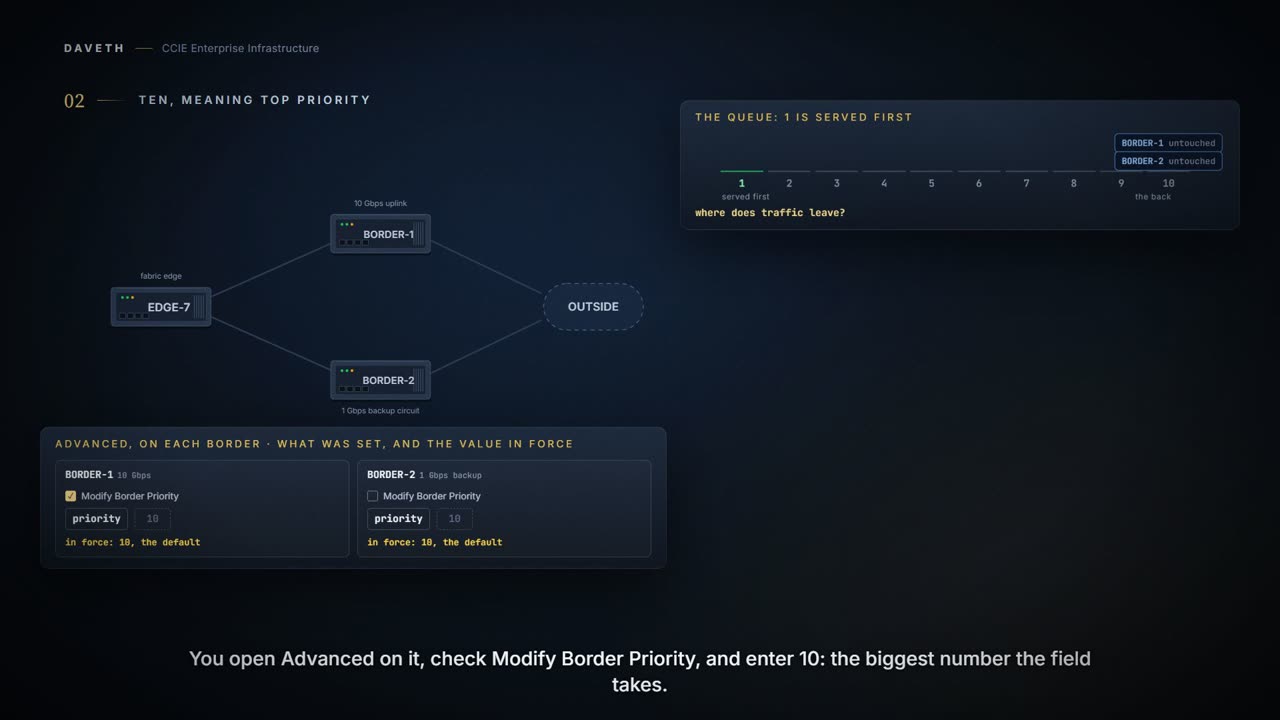
Two borders in one site: BORDER-1 on a 10 Gbps uplink, BORDER-2 on a 1 Gbps backup circuit. Nobody sets a priority. Where does traffic leave?
Resiliency in border node deployments is generally achieved by pairing border nodes. By default, traffic is load balanced across the border nodes within a fabric site.
This course's reading: both borders, nothing set
border    uplink                  Modify checked  value in force
BORDER-1  10 Gbps uplink          no              10 (default)
BORDER-2  1 Gbps backup circuit   no              10 (default)

egress: load balanced across BORDER-1 and BORDER-2, all at 10
Now you want BORDER-1 preferred. You check Modify Border Priority on it and enter 10, the biggest number the field takes. What happens?
The rule
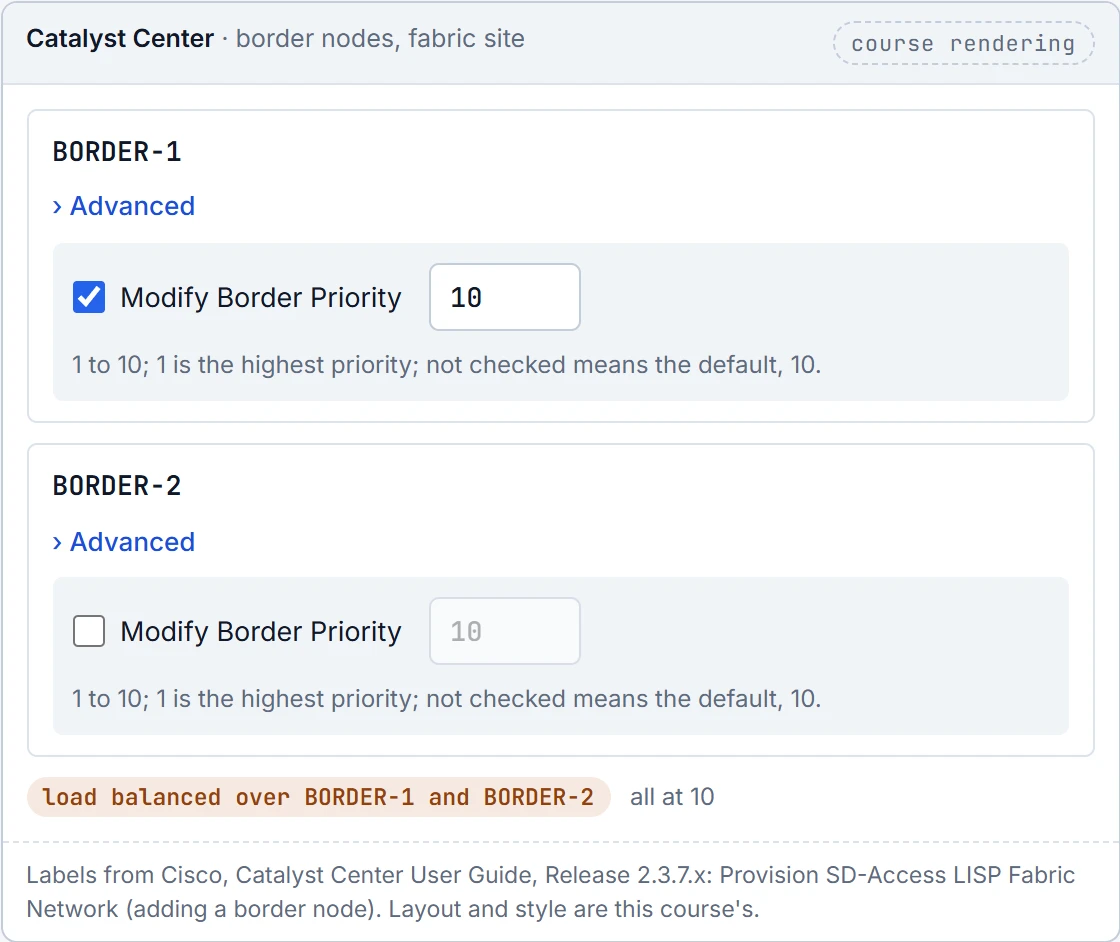
To configure the border node priority, affinity-ID, AS Path Prepend, TCP MSS adjustment and native multicast across SD-Access transit, click Advanced and do this configuration: To change the border node priority, check the Modify Border Priority check box and enter a new priority value.
Priority value ranges from 1 to 10. 1 indicates the highest priority. 10 indicates the lowest priority. The default priority value is 10.
Higher priority, smaller number. A border nobody touched is at 10. That is the lowest priority there is, not a neutral setting.
If two or more border nodes are configured in a fabric site, traffic is routed through the border node that has a higher priority. If the priority values are the same, traffic is load balanced across the border nodes.
This course's reading: after 10 is entered on BORDER-1
border    uplink                  Modify checked  value in force
BORDER-1  10 Gbps uplink          yes             10
BORDER-2  1 Gbps backup circuit   no              10 (default)

egress: load balanced across BORDER-1 and BORDER-2, all at 10
Look at the last column: 10 and 10. Entering the top of the range on BORDER-1 matched the number nobody chose on BORDER-2, and the site went on load balancing.
Take a ticket in a queue: a ticket numbered three is served before one numbered forty. Nobody thinks forty is the important one. Here the same instinct has to survive a field called priority, where 10 looks like a strong setting and is in fact the back of the queue.
Where the ticket stops: two people cannot hold the same number. Two borders can, and when they do nobody wins. They share the traffic, which is a reasonable design and a very poor surprise.
One number, changed
What does each value on BORDER-1 do against an untouched BORDER-2?
| BORDER-1 | BORDER-2 | traffic leaves |
|---|---|---|
| 1 | not set (10) | BORDER-1, at 1 |
| 9 | not set (10) | BORDER-1, at 9 |
| 10 | not set (10) | load balanced across BORDER-1 and BORDER-2, all at 10 |
| 5 | 5 | load balanced across BORDER-1 and BORDER-2, all at 5 |
Read the third row. Any value from 1 to 9 on one border beats an untouched one; 10 only ties with it. And the last row: two chosen values that happen to match are load balanced just the same.
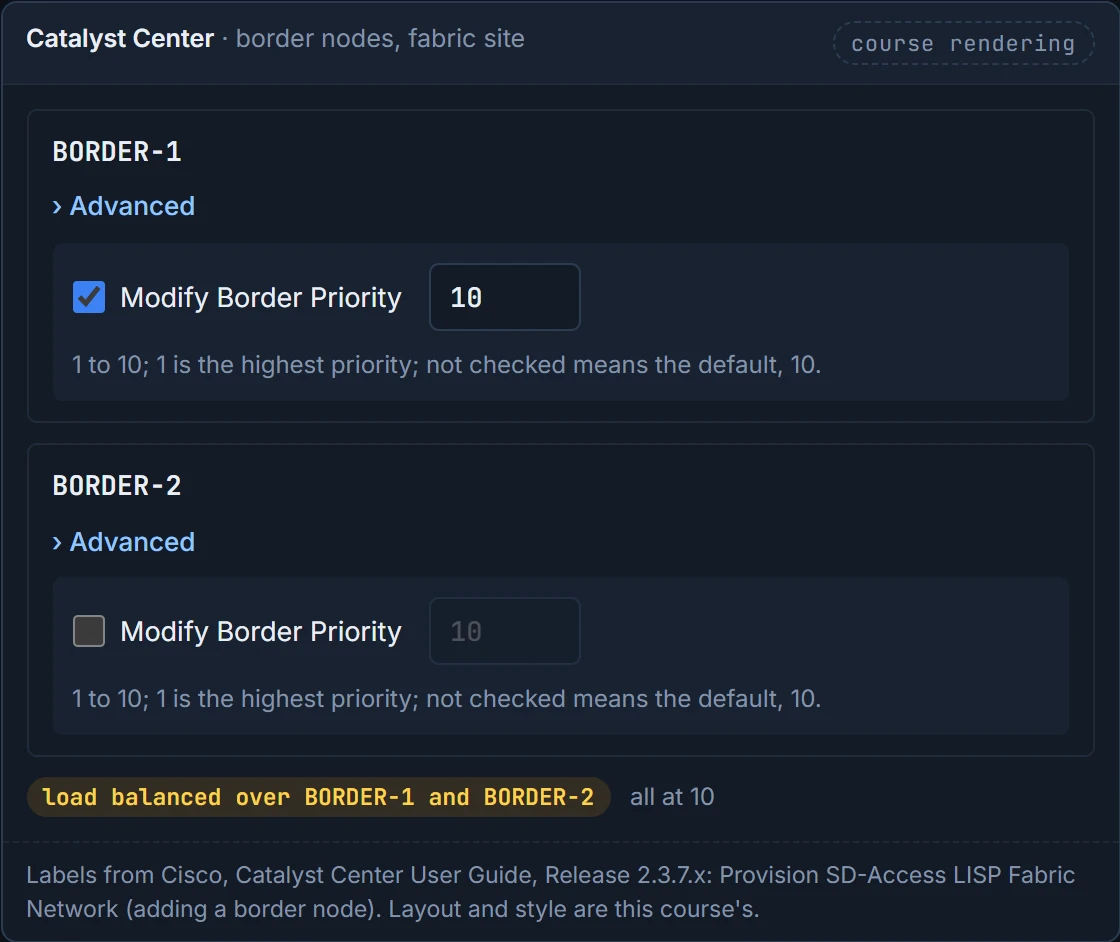
Now make each row yourself, on the field where the mistake is made. It opens where the prediction left you: 10 on BORDER-1, BORDER-2 untouched.
So the preference you wanted needs a number below 10 on BORDER-1. Here it is with 1, and BORDER-2 still untouched:
This course's reading: after 1 is entered on BORDER-1
border    uplink                  Modify checked  value in force
BORDER-1  10 Gbps uplink          yes             1
BORDER-2  1 Gbps backup circuit   no              10 (default)

egress: BORDER-1, at 1
Continue the lesson
The whole lesson, with its drawings and its questions. 6 more sections after the ones above.