
Feature templates
A feature template is one form for one feature: SD-WAN Manager offers a form for each feature a device can enable, and you set its parameters once. Feature templates are building blocks; what is attached to a router is a device template that consolidates them. Within a form, some values are the same for every device and others vary, and each parameter's scope decides which.
By Arif, founder of Daveth · Updated
The full 6 min walkthrough is in Daveth Pro (Network). See what the plan opens
What this page answers
What is an SD-WAN feature template?
A form in SD-WAN Manager for one feature, where you set all its configurable parameters. Feature templates are the building blocks of a device's complete configuration. Read it in “One feature, one form”
Can you attach a feature template to a device?
Not on its own. A device template, which consolidates feature templates into the complete configuration, is what gets attached to a router. Read it in “What it is not”
One feature, one form
What is the smallest piece of SD-WAN configuration you build?
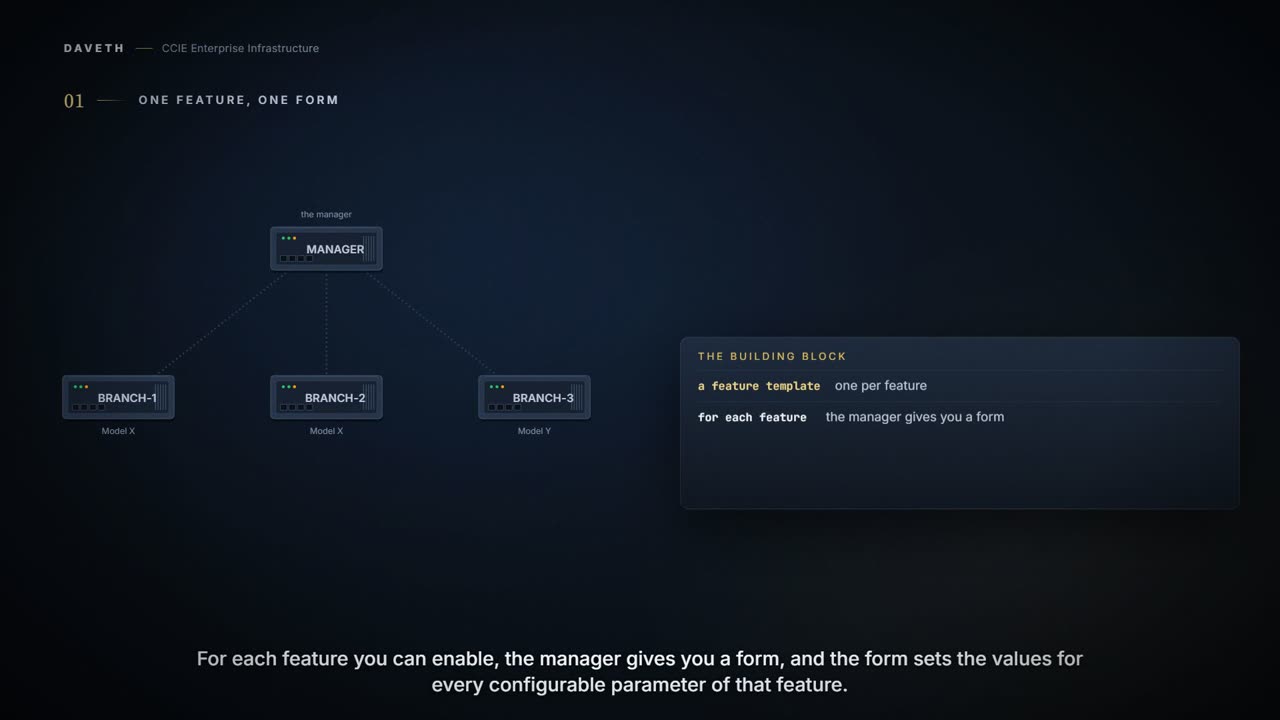
Feature templates are the building blocks of complete configuration for a device. For each feature that you can enable on a device, Cisco SD-WAN Manager provides a template form that you fill out. The form allows you to set the values for all configurable parameters for that feature.
A feature template covers one feature, and only that feature. You fill in the form once, and it becomes a building block.
Because device configurations vary for different device types and the different types of routers, feature templates are specific to the type of device. Some features are mandatory for device operation, so creating templates for these features is required. Also for the same feature, you can create multiple templates for the same device type.
Notice two things. The form is per device type. And some features are not optional: templates for them are required.
What it is not
Can you put a feature template on a router by itself?
Device templates contain the complete operational configuration for a device and are created by consolidating feature templates.
This course's reading: what gets attached to a router is a device template, and a device template is feature templates consolidated. This chapter describes values being entered when a device is attached to a device template, and describes no way to attach a feature template on its own. Where the consolidating happens is the next lesson.
One form, many devices
A school runs one admission form, and every pupil still fills in their own name and address. The form is the design. The blanks are the bits that are nobody else's business.
The comparison stops at the blanks. A form with a blank left empty just looks untidy; here a field set to the wrong scope is quietly answered for every router that uses the template.
Within a feature template, some configuration commands and options are identical across all device types, while others are variable, changing from device to device. Static values remain common across all devices, while variable values apply to individual devices.
Each parameter in the form has a scope. Say the hostname is set to Device Specific: where does each router's hostname come from? Step 1 of the walk asks it.
For device-specific parameters, you cannot enter a value in the feature template. You enter the value when you attach a device to a device template. Examples of device-specific parameters are system IP address, hostname, GPS location, and site ID. You upload the CSV file when you attach a device to a device template.
The other scope is Global:
And read that word carefully, because it means everyone using this template. That small field has a very large mailing list. Mark a hostname Global and you have given a great many routers the same name, which is a memorable way to spend a morning.
Enter a value for the parameter, and apply that value to all devices. Examples of parameters that you might apply globally to a group of devices are DNS server, syslog server, and interface MTUs.
The structure lives in the template; the per-router values do not. One template, one CSV row per router (step 2). Change a Global value and it applies to every router using that template, and to none using another (step 5).
Which moves the risk rather than removing it, and it is worth being honest about where it went. Reusing the form saved you typing the same structure fifty times. It did not save you from checking fifty rows of values, and a value in the wrong row is now a correct configuration applied confidently to the wrong router.
Copying a value down a column is the fastest way to make that happen. One address repeated where fifty different ones belonged commits in seconds and is found by whoever notices that two branches disagree about who they are.
Continue the lesson
The whole lesson, with its drawings and its questions. The rest of this section and 3 more after it.