
REST API and JSON Lab
A CCNA lab run against a mock API that lives in the page, so nothing real is contacted. Send requests and read each part of the request and reply. Read the JSON reply by its keys, the way a program does after parsing it, never by searching the text. Then tell two failures apart: text that is not JSON at all, and JSON with the wrong keys or types.
By Arif, founder of Daveth · Updated
The full 9 min walkthrough is in Daveth Pro (Network). See what the plan opens
What this page answers
How do you check a JSON reply?
Two checks. The syntax check asks whether the text parses as JSON at all; the data-model check asks whether the keys are the ones the API promises, with the right types. Read it in “Broken, or wrong?”
The requirement
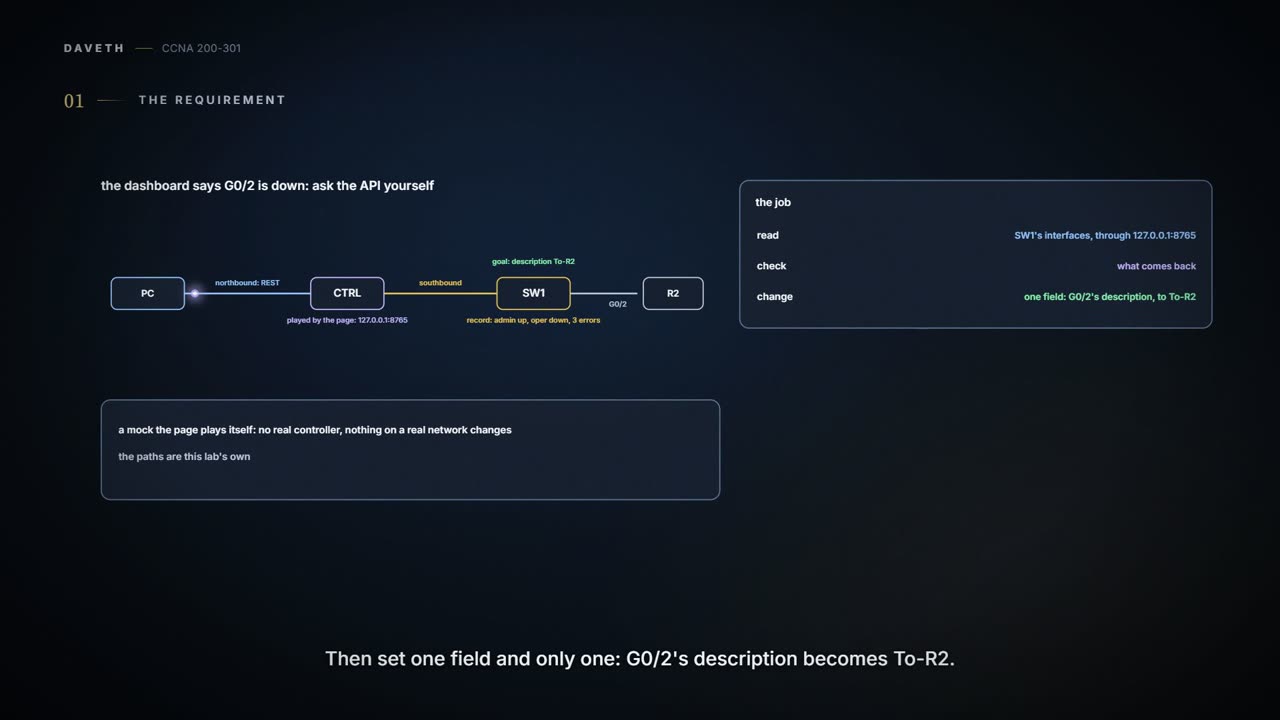
A lab page; requests and replies are shown the way 10.4 showed them. Everything here runs against a mock the lab owns, standing in for a controller's northbound API at 127.0.0.1:8765. The panel below shows that mock's replies; nothing is actually listening at that address. No real controller is contacted, nothing on a real network changes, and the paths are this lab's own, not any product's. The job: read SW1's interfaces through the API, check what comes back, and change one field, G0/2's description, to To-R2, without touching anything else.


Your PC talks REST to CTRL, northbound; CTRL manages SW1, southbound; SW1 G0/2 runs to R2.
The operations dashboard, fed by the controller's API, says "SW1 G0/2 down". Each interface's record carries admin, its configured state, and oper, whether the link is working.
Most likely the oper field in the controller's record for G0/2. That's worth holding onto for the whole lab: the API tells you what the controller has recorded about the switch. It doesn't look at the cable, and it can't tell you why a link is down.
The API is a window into the controller's record of the switch, not a tiny engineer living in the cable. (Where it stops: a window shows what's there now; this one can show an old view.)
Ask for the record
Five requests, one panel. Read the parts of each request and reply; those are what carry over to any client you use later.
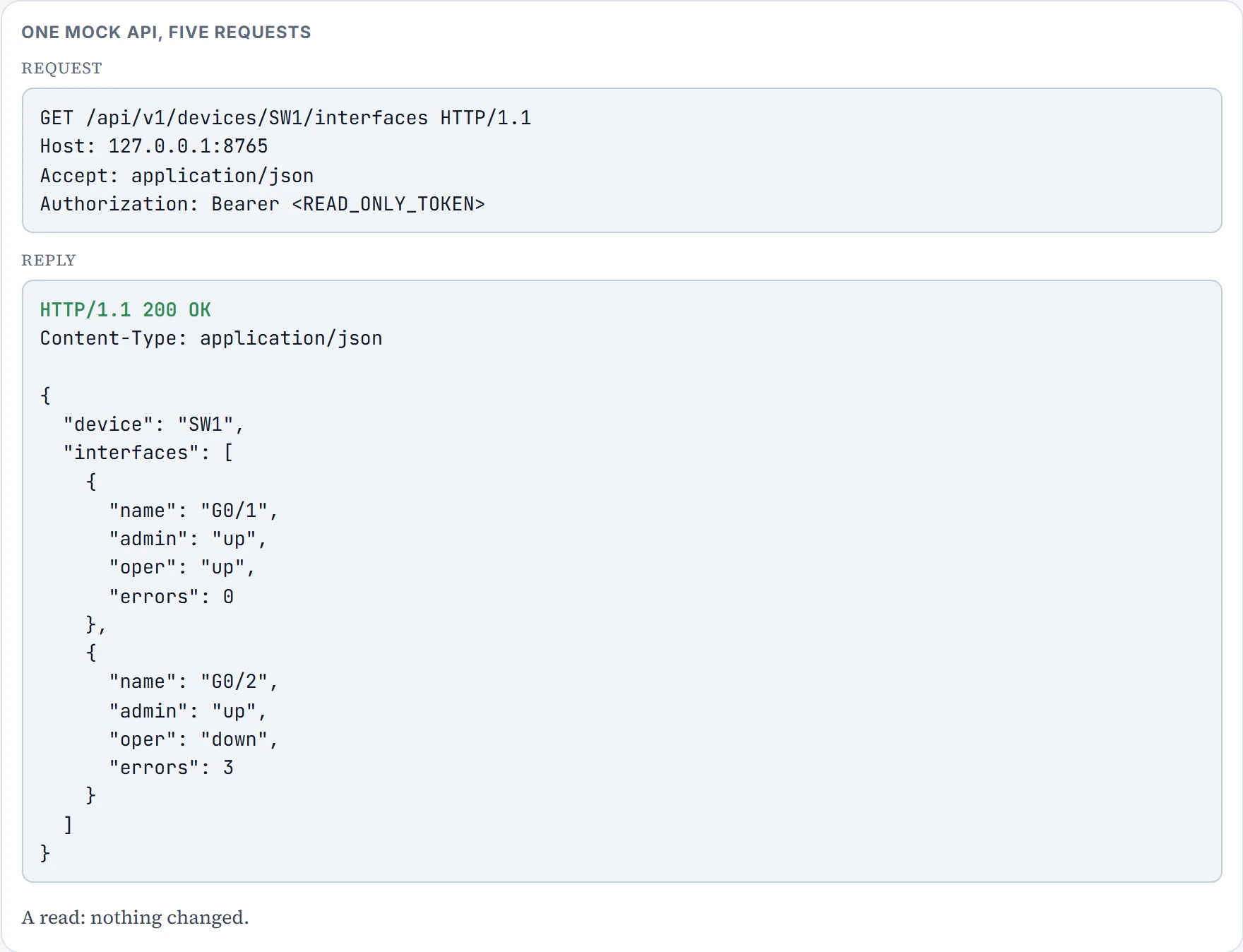
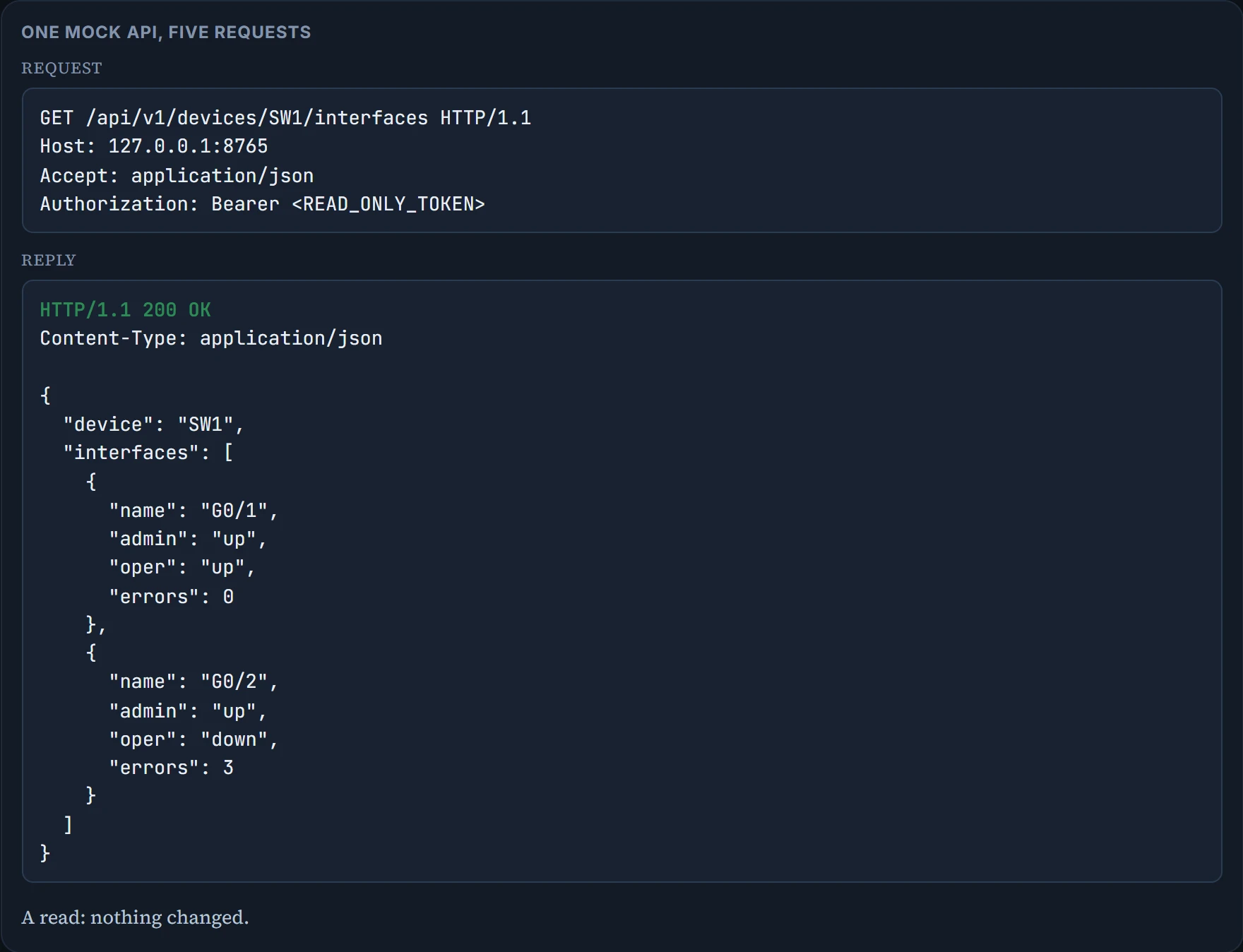
Read each exchange part by part. The method, GET, reads. The path, /api/v1/devices/SW1/interfaces, names the resource; the single-interface path writes G0/2 as G0-2, because a / would start a new path segment. The headers ask for JSON back and carry the credentials; the token shown is a placeholder, and a real one never goes on a page like this. The reply starts with its status: 200 OK for a read that worked. Then the Content-Type, application/json, and the body.
GET G0-9 returns 404 Not Found: no such resource. A request with no valid credentials would get 401, and one whose credentials aren't allowed to do that gets 403, which is what the read-only PATCH shows. Status codes need their context, though: some servers answer 404 instead of 403 on purpose, so a caller can't tell that the resource exists.
Read it by its keys
The list reply is an object with two keys: device, a string, and interfaces, an array of objects, one per interface. A program turns that text back into its own variables with a JSON parser, and reads values by their path, never by searching the text for "down", which can't tell G0/1's oper from G0/2's, or admin from oper.
interfaces[1].errors is 3, and interfaces[1].oper is "down": programs count array items from 0, so G0/2 is the second item, index 1. Now read what the record says: admin "up" and oper "down" means the port is configured enabled but the link isn't working. It doesn't say why. The far end, the cable and the settings on both sides are all still open.
Broken, or wrong?
Two different things can go wrong with a reply, and they need two different checks. The syntax check asks whether the text parses as JSON at all. The data-model check asks whether the keys are the ones the API promises, with the right types: device and each name, admin and oper are text, and errors is a whole number, 0 or more.
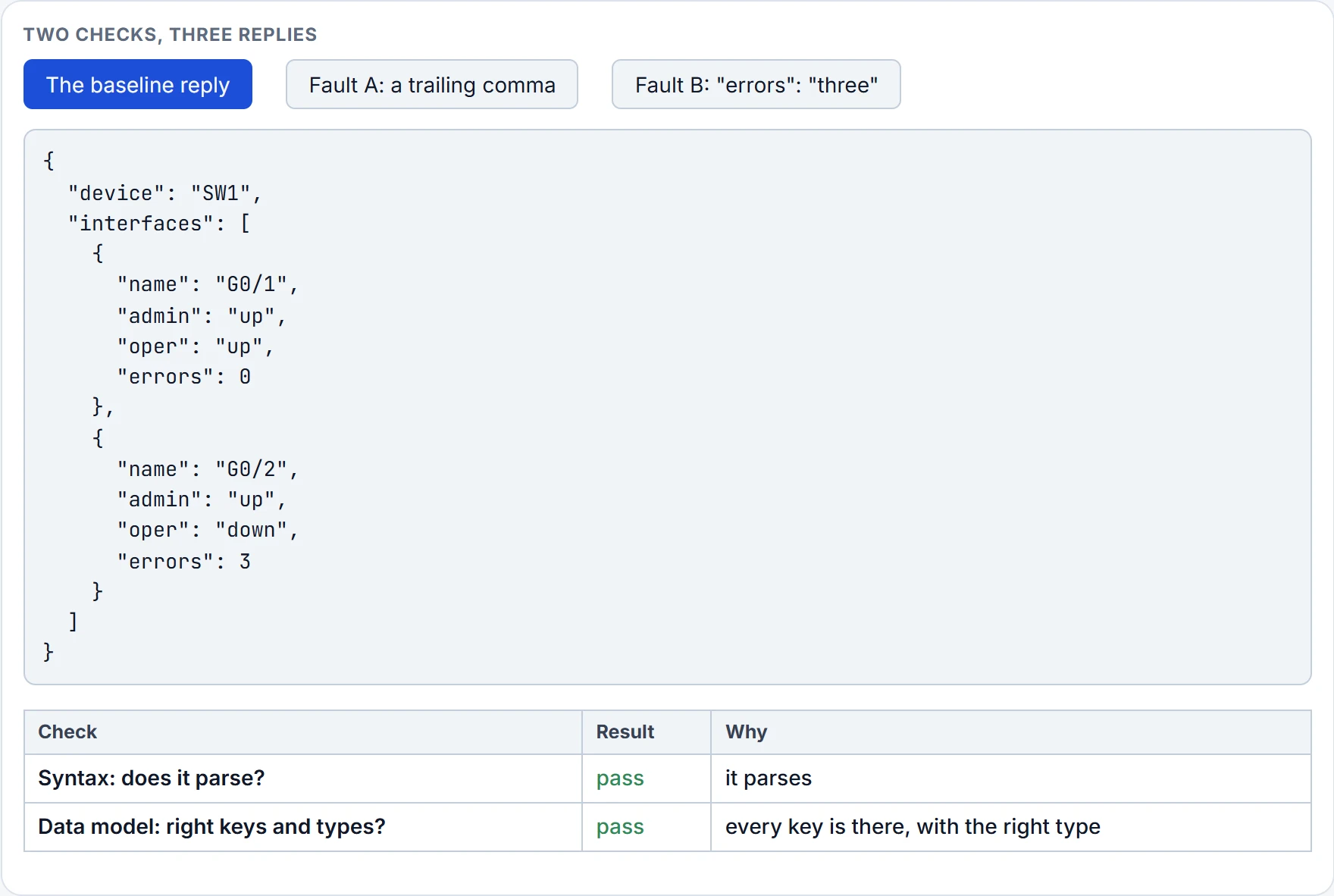
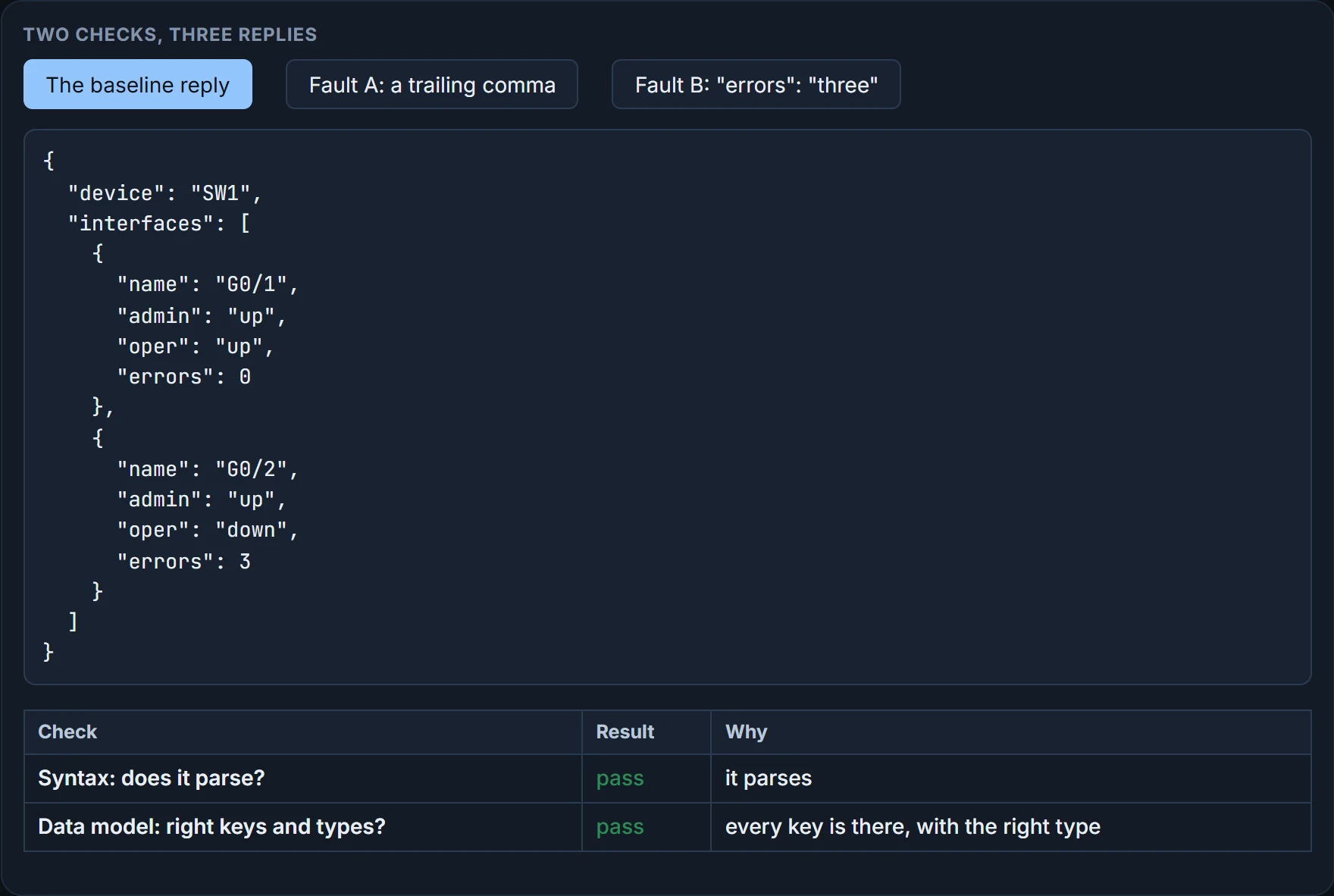
Fault A has a trailing comma after the last pair in G0/2's object, so the parser gives up; the data-model check never even gets a structure to look at. Fault B is perfectly good JSON, and the parser is happy, but errors is the text "three" where the model wants a number, so the data-model check fails. A script that only parses would carry that bad value straight on.
A box can be neatly wrapped and still contain the wrong size shoes. (Where it stops: the data model is the packing list; without one, nobody can say the size is wrong.)
Continue the lesson
The whole lesson, with its drawings and its questions. 4 more sections after the ones above.