
Streams and pipelines: stdout and stderr, grep, jq and batch processing at scale
Programs buffer their output and choose the size by where it is going: to a terminal they write after every line, to a pipe or file they wait for about 8 KB. Every program also has two outputs, stdout and stderr, which look like one on a terminal and can be redirected separately.
What this page answers
Why does Python output not appear when piped?
Programs collect output in a buffer. Writing to a terminal, they flush after every line; writing to a pipe or a file, they wait until about 8 KB has piled up, so a slow job can look silent. Read it in “Silent until it isn't”
What does 2>&1 mean?
Point stream 2, stderr, wherever stream 1, stdout, points right now. The shell handles redirections left to right, so their order changes where each stream ends up. Read it in “Two outputs, not one”
Silent until it isn't
Your training script prints one line per step. Run on its own, the lines appear every second. You want to keep a copy, so you send the output through tee, which shows it and saves it to a file at the same time:
$ python train.py | tee train.log
                                   … nothing, for four minutes …
step 1 | loss 10.8312 | tok/s 39880
step 2 | loss 10.5170 | tok/s 40912
… then 240 lines arrive at once
Outputs on this page are realistic examples. Commands, behaviour and error messages are real.
The training wasn't paused: the GPUs were busy the whole time. So where were the lines?
- tee is slow and fell behind
- Python saved them up, because its output was going into a pipe
- The pipe was full, so Python had to wait
Answer. Writing output costs a little time, so programs collect it in a buffer and write it in chunks. Python (and C programs, and many others) choose the chunk size by asking where the output is going. To a terminal, a person is watching, so they write after every line. To a pipe or a file, nobody seems to be watching, so they wait until about 8 KB has piled up. At 35 bytes a line, that's over 200 lines, which at one step per second is about four minutes.
The fix is to tell Python not to buffer: python -u train.py | tee train.log, or set PYTHONUNBUFFERED=1, or use print(..., flush=True). A clue you'll often see: progress bars like tqdm show up straight away, because they write to the error output, which isn't buffered. Which brings us to the fact that every program has two outputs.
Two outputs, not one
Every program starts with three streams already open, numbered 0, 1 and 2. Stream 0, stdin, is where it reads input. Stream 1, stdout, is for its normal output. Stream 2, stderr, is for errors and progress messages. On a terminal, 1 and 2 both land on your screen, so they look like one thing. They're not, and redirection is how you send each one somewhere different: > sends stdout to a file, 2> sends stderr, and | connects stdout to the next program's stdin.
The tricky one is 2>&1, which means “point stream 2 wherever stream 1 points right now”. The shell handles redirections left to right, so order matters. Blue is stdout, pink is stderr.
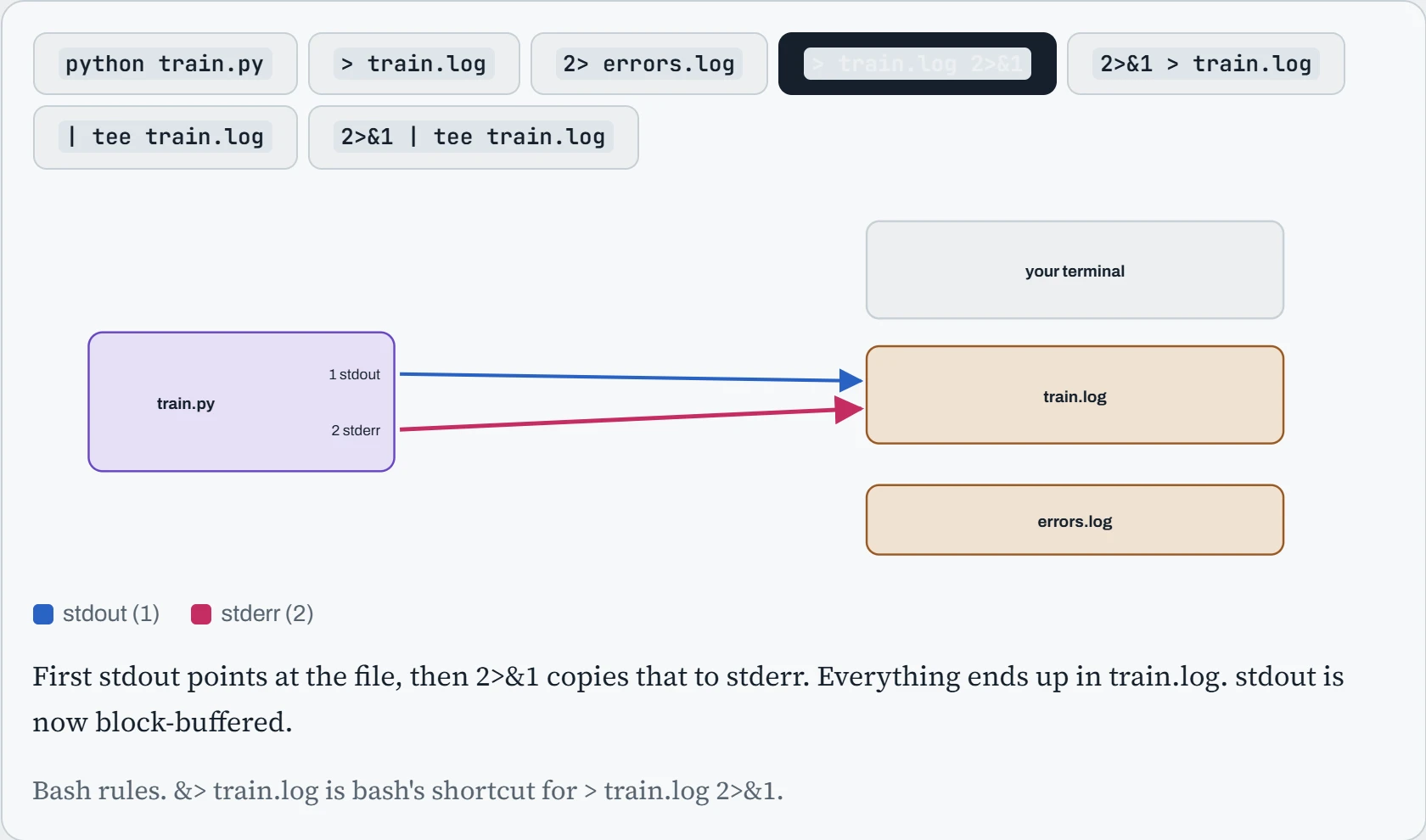
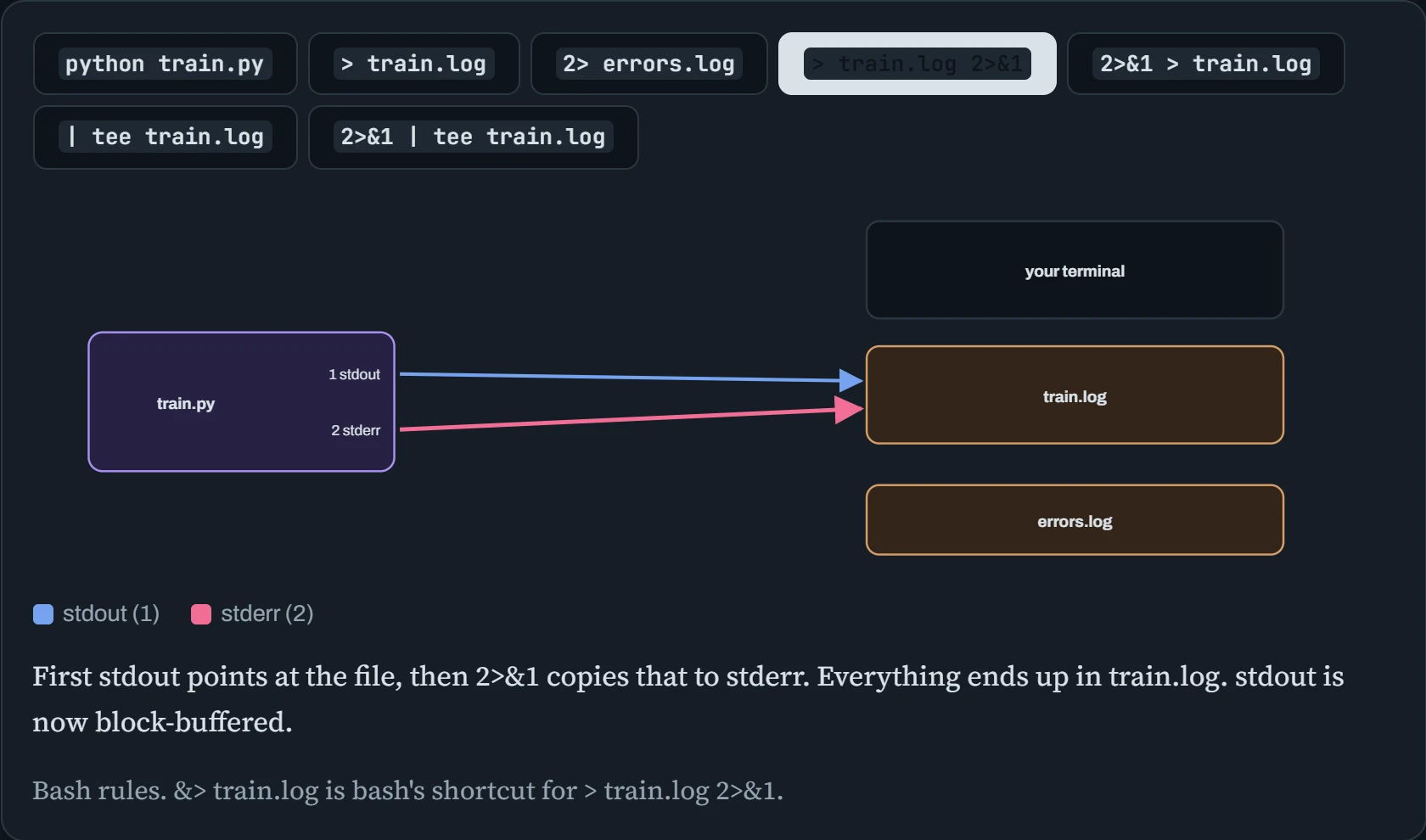
> train.log 2>&1 first points stdout at the file, then copies that to stderr, so both go to the file. 2>&1 > train.log copies stdout's destination while it's still the terminal, then moves only stdout. Errors keep going to the screen, which is how crash tracebacks “vanish” from log files. For long jobs, the safe pattern is python -u train.py 2>&1 | tee train.log: everything visible, everything saved, nothing held back.
Predict. A script prints “step N done” every step, and runs with > train.log 2>&1, without -u. At step 950 it crashes hard: a CUDA extension segfaults. What's the last step you'll find in train.log?
Answer. Probably one a few hundred steps earlier. The traceback-free crash kills the process instantly, and whatever was waiting in Python's 8 KB buffer is never written. A normal Python exception is kinder: Python shuts down properly and flushes the buffer first.
So the log makes the crash look like it happened long before it did, which sends people looking in the wrong place. Unbuffered output, or a logging setup that flushes each line, makes the log tell the truth.
Searching and counting
A handful of small tools cover most everyday questions about text. grep keeps lines that match a pattern (rg, ripgrep, is a faster modern version). cut picks out columns. sort orders lines, uniq -c counts repeats next to each other, wc -l counts lines, and tail -f follows a file as it grows. Here they are answering real questions about a training run:
$ grep -c "loss nan" train.log                    # how many steps went NaN?
3
$ grep -oE "loss [0-9.]+" train.log | tail -2       # the latest losses, nothing else
loss 2.0743
loss 2.0711
$ grep -h ERROR logs/worker-*.log | cut -d' ' -f4- | sort | uniq -c | sort -rn | head -3
    412 NCCL timeout waiting for rank 5
     17 DataLoader worker 3 exited unexpectedly
      2 CUDA error: an illegal memory access was encountered
The last line is a pattern worth memorising: sort | uniq -c | sort -rn turns a pile of messages from 64 workers into a ranked list, so the one real problem (rank 5) stands out from the noise. grep -o prints only the matching part, and -E allows the fuller pattern language called regular expressions, where [0-9.]+ means “one or more digits or dots”. For editing text in place, sed is the tool: sed -i 's/lr: 3e-4/lr: 1e-4/' config.yaml replaces text inside a file, and sed -n '1200,1210p' train.log prints just those lines.
Building a pipeline
The real power comes from joining these tools with pipes. Each program does one small job and passes its output on. Here's a short training log, and a pipeline that finds the lowest loss and the step where it happened. Notice awk at stage 4: it splits each line into fields at spaces ($1, $2 and so on), which makes it the best tool for pulling columns out of logs.
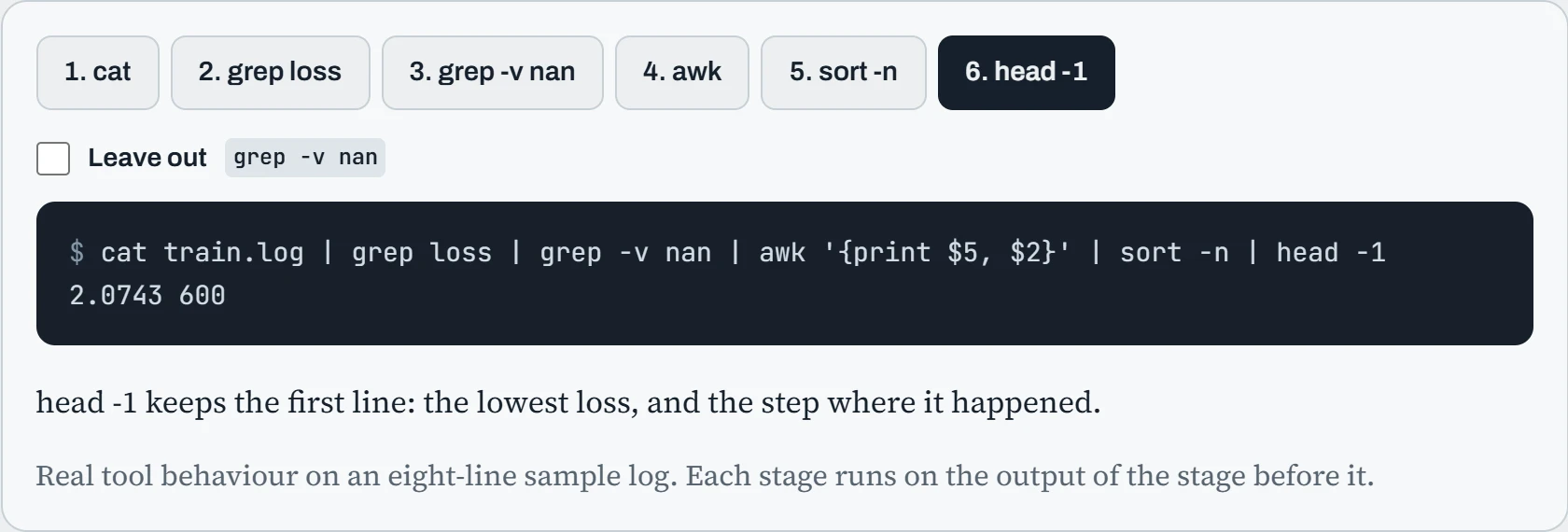
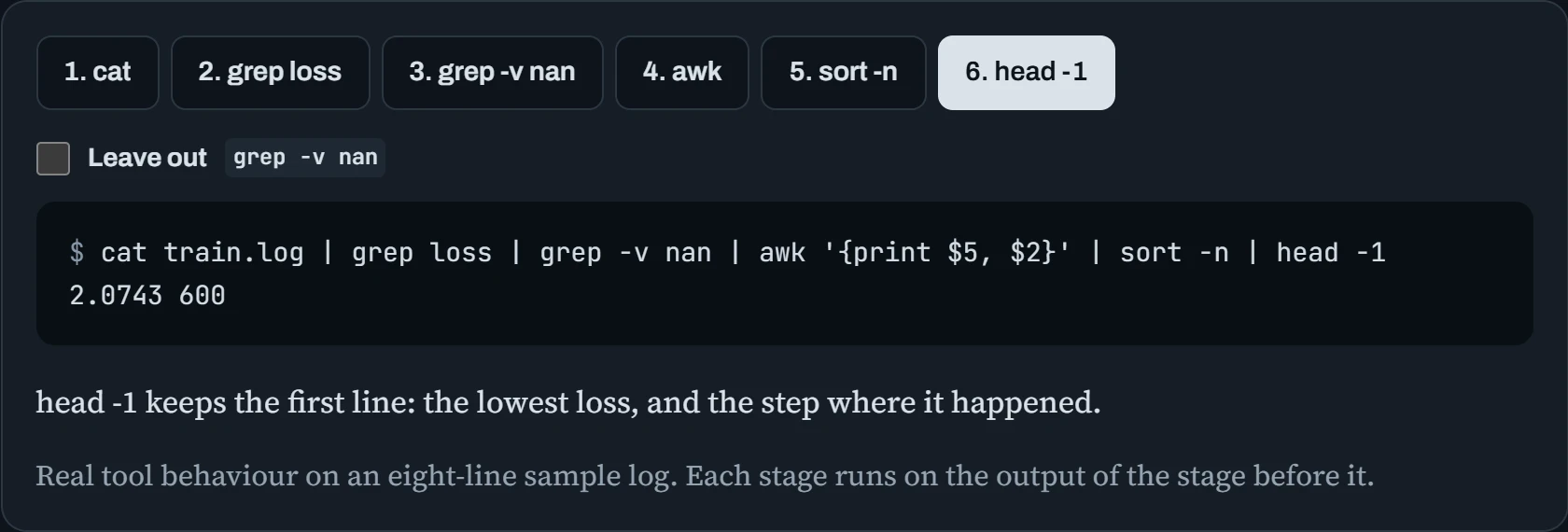
The finished pipeline reads like a sentence: take the log, keep loss lines, drop the broken ones, pull out the loss and step, sort by loss, take the first. And all six programs run at the same time, each one working on lines as soon as the previous one passes them on. That's why pipelines handle multi-gigabyte logs without loading them into memory. For sums and averages, awk can do the maths too: grep loss train.log | awk '{s+=$8; n++} END {print s/n}' averages the tokens per second column.
Predict. Leave out the grep -v nan filter. One step had loss nan. Without that filter, what does the finished pipeline report as the lowest loss?
Answer. nan 500. sort -n reads the number at the start of each line, and “nan” doesn't start with a number, so sort treats it as zero. Zero is lower than every real loss, so the broken step wins.
This is typical of text tools: they don't fail on bad data, they quietly give a wrong answer. Always look at the stage before the last one, or count what you filtered out, before trusting a result.
Continue the lesson
The whole lesson, with its drawings and its questions. 4 more sections after the ones above.