
Route leaking between VRFs using route maps and VASI
Two tenants in separate VRFs both need a shared DNS server. Route leaking copies routes from one table into another through the RIB: a control-plane operation, with no new interface or hop. A leaked route alone can still leave a ping unanswered, because the reply is looked up in the other table. And with no boundary to attach to, inspection needs something else: VASI.
By Arif, founder of Daveth · Updated
The full 6 min walkthrough is in Daveth Pro (Network). See what the plan opens
What this page answers
What is VRF route leaking?
Copying routes from one VRF's routing table into another's, done in the RIB, so VPNs can share common services such as a DNS server. No packet path changes; one table learns a prefix it did not know. Read it in “Route leaking: copying rows between tables”
Why does a ping fail after leaking a route between VRFs?
The tenant has a route to the server, but the reply is looked up in the server's table, which has no route back to the tenant. Leaking must cover both directions. Read it in “A route that exists, and a ping that fails”
You built the isolation, and now you are going to make holes in it
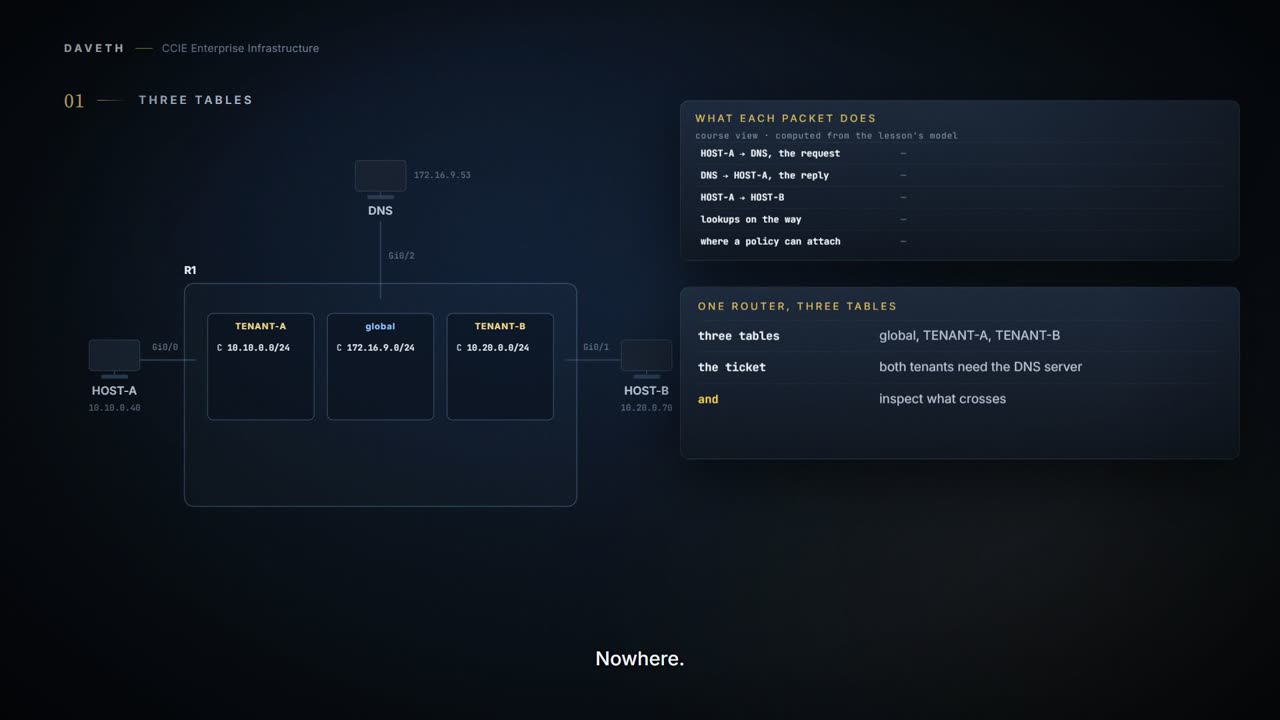
Two tenants, two VRFs. That was the right call and it worked.
Now the ticket: both tenants need the shared DNS server that lives in a third place, and Security has read the design and wants the traffic between tenants and shared services inspected.
So you spent two lessons building isolation and now you are going to spend one taking it apart. That is not a failure of the design: it is the other half of it. Almost nobody wants total separation. They want separation with specific, controlled holes in it.
There are two documented ways to make those holes, and choosing wrongly is easy because they look like alternatives. They are not. They work in different planes, and this page is going to demonstrate that rather than assert it.
State 1 Three tables, and nothing joined to anything
Where is the isolation between these two tenants actually implemented?
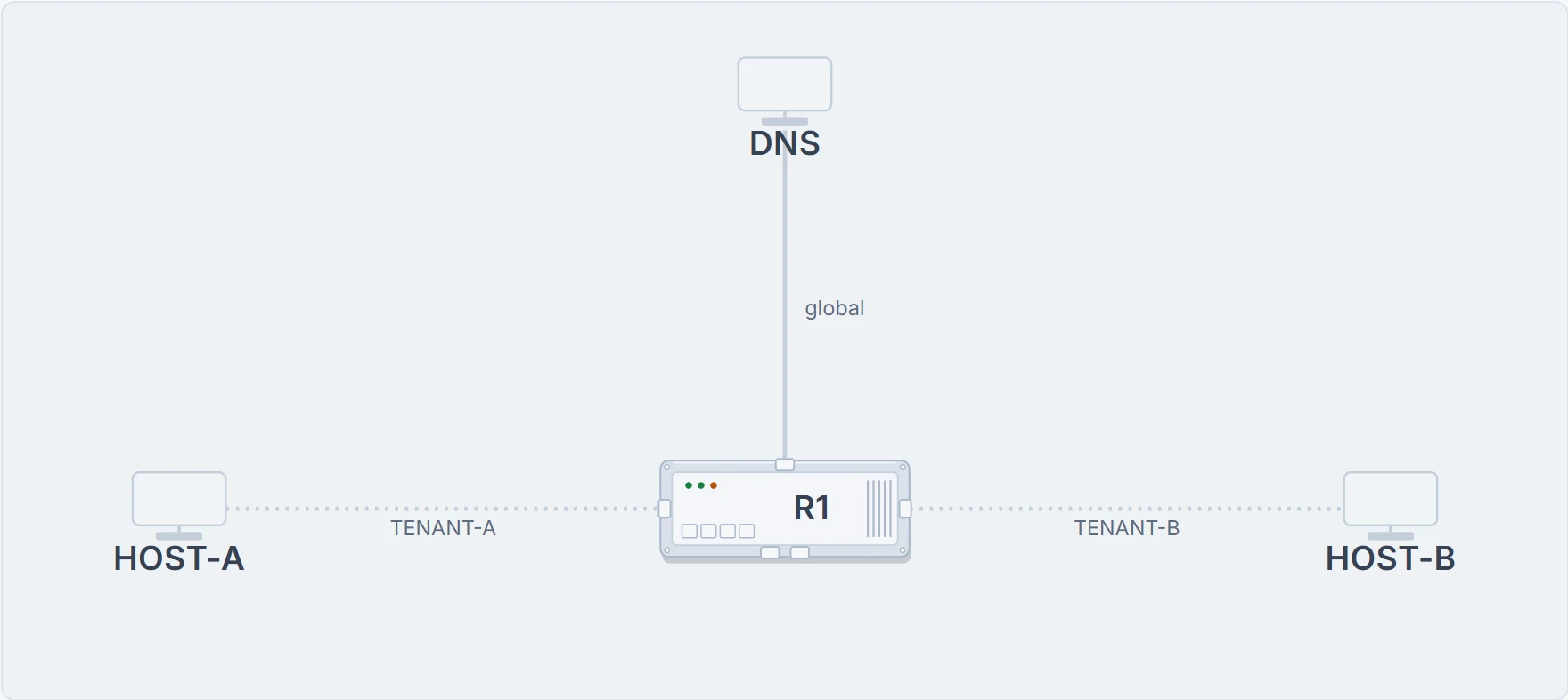
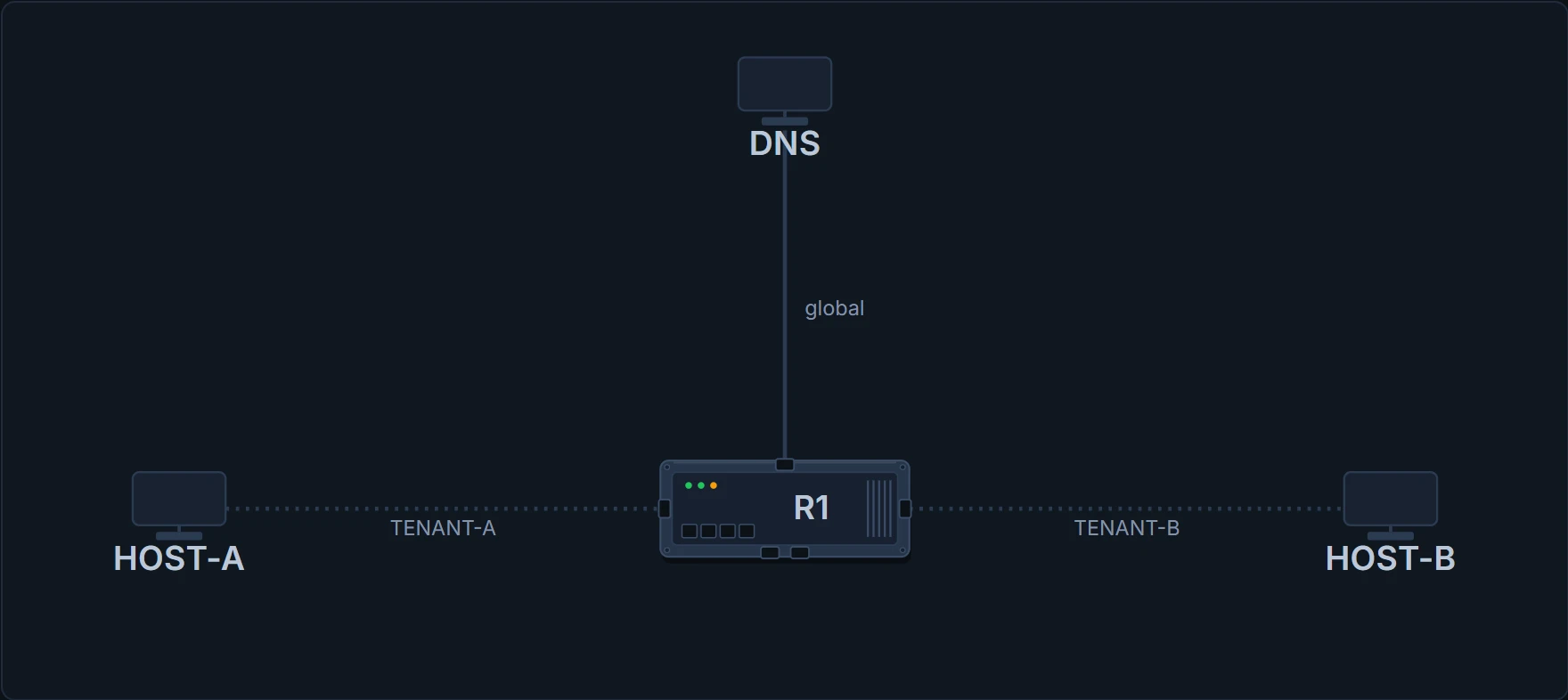
Modelled from the state, in this course's layout. The rows are the model's; the + marker is the documentation's.
R1# show ip route vrf TENANT-A
Codes: C - connected

C   10.10.0.0/24        is directly connected, Gi0/0
! one row, and it is the only row
Nowhere. There is no wall. Each table holds what is attached to it and nothing else, and the isolation is entirely the absence of a row, which is why the repair is going to be a row, and why the repair is not going to be a boundary.
Route leaking: copying rows between tables
Route leaking between the global or default VRF (transport VPN) and service VPNs allows you to share common services that multiple VPNs need to access. Which is exactly the shared-DNS requirement.
Routes are replicated through bidirectional route leaking between the global VRF (also known as transport VPN) and service VPNs. Route leaking between VRFs is done using Routing Information Base (RIB).
Read the last five words. Done using the RIB. This is a control-plane operation: routes are copied from one routing table into another. That is the entire mechanism.
R1# configure terminal
R1(config)# vrf definition TENANT-A
R1(config-vrf)# address-family ipv4
R1(config-vrf-af)# route-replicate from vrf global unicast connected
R1(config-vrf-af)# end
Where does the copied row appear, and how would you tell it from TENANT-A's own?
Modelled from the state, in this course's layout. The rows are the model's; the + marker is the documentation's.
R1# show ip route vrf TENANT-A
Codes: C - connected, + - replicated route

C   10.10.0.0/24        is directly connected, Gi0/0
C+  172.16.9.0/24       is directly connected, Gi0/2
! a copy, and the plus sign is how you know
Leaked routes are flagged with a +, so a connected route replicated into another table appears as C+ rather than C. If you do not know that character you will read a copy as a native row and look for the fault in the wrong table, which is the next section.
Two prompts, two standings. The route-leaking documentation shows these commands and the lines indented under them, without printing a prompt for either submode. (config-vrf-af)# is the prompt The IOS XE 17.x Recursive Static Route page prints for the address family under vrf definition. (config-router)# under global-address-family, in the next section, is this course's rendering: no page consulted prints it. Check the prompt on your own platform if you are matching output line for line.
A route that exists, and a ping that fails
The tenant has a route to the server. The ping does not come back.
Modelled from the state, in this course's layout. The rows are the model's; the + marker is the documentation's.
R1# show ip route
Codes: C - connected

C   172.16.9.0/24       is directly connected, Gi0/2
! the global table, which has never heard of the tenant
The request left the tenant table, arrived, and the reply was looked up here: in a table that has no row for 10.10.0.0/24. Nothing in the tenant table looks wrong, because nothing in the tenant table is wrong.
the published description calls it bidirectional route leaking for a reason. Leaking is directional, each direction is configured separately, and one-way leaking gives you exactly this symptom.
R1# configure terminal
R1(config)# global-address-family ipv4 unicast
R1(config-router)# route-replicate from vrf TENANT-A unicast connected
R1(config-router)# end
The same two commands with TENANT-B's name do the same for the second tenant. Is TENANT-A's prefix in the global table now?
Modelled from the state, in this course's layout. The rows are the model's; the + marker is the documentation's.
R1# show ip route
Codes: C - connected, + - replicated route

C+  10.10.0.0/24        is directly connected, Gi0/0
! the return row, and it is a copy too
C+  10.20.0.0/24        is directly connected, Gi0/1
C   172.16.9.0/24       is directly connected, Gi0/2
So what is the instinct to carry? When leaked reachability fails, check the other table before you check yours. The table you configured will look exactly right, every time.
Proves: whether the prefix is present in that table, and: from the +: whether it is native or a copy.
Does not prove: that the return path exists. A table is one direction. Two tables have to be read to know whether anything can get back.
Now Security asks where to attach the inspection
Both tenants reach the shared server, neither reaches the other, and every direction that can be leaked has been. Where does the inspection go?
State 2 Every permitted route leaked, and the picture is unchanged
Compare this with State 1. What is different?
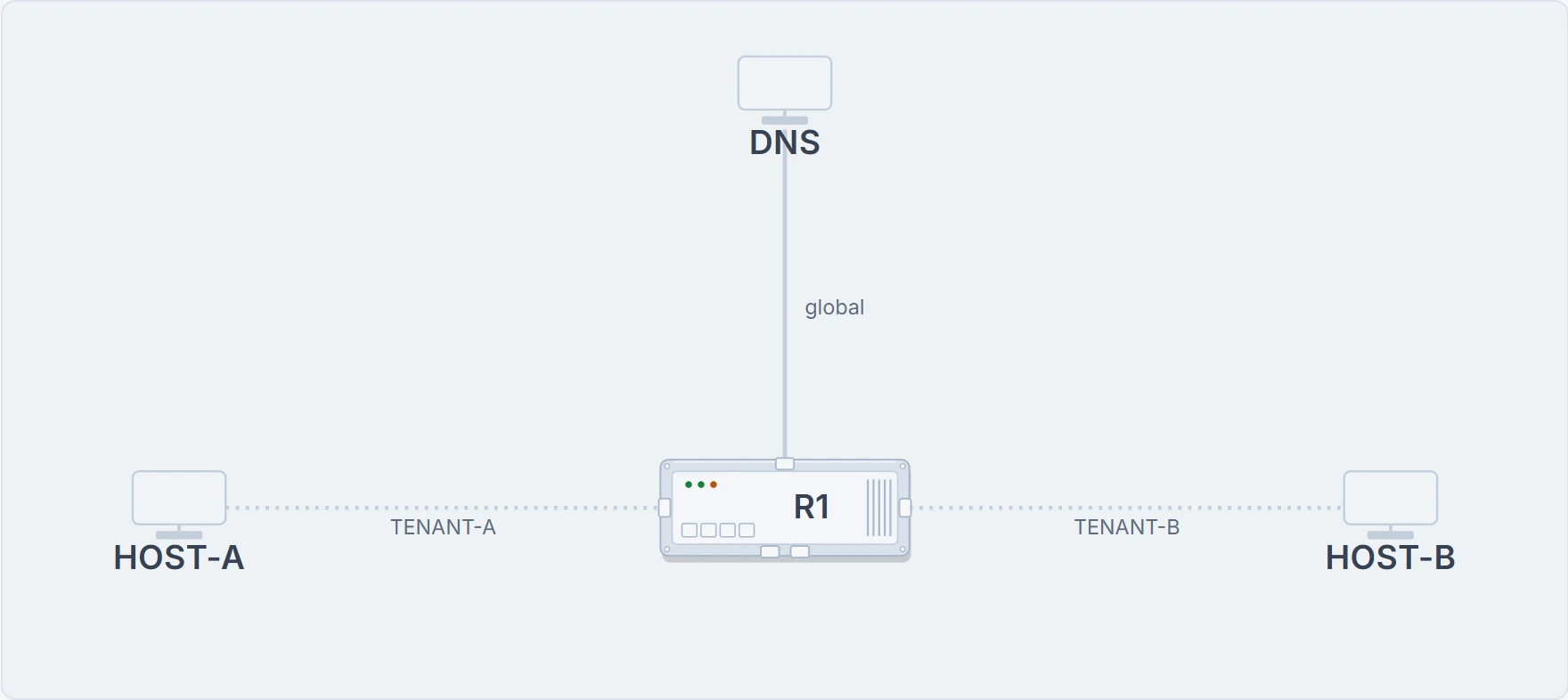
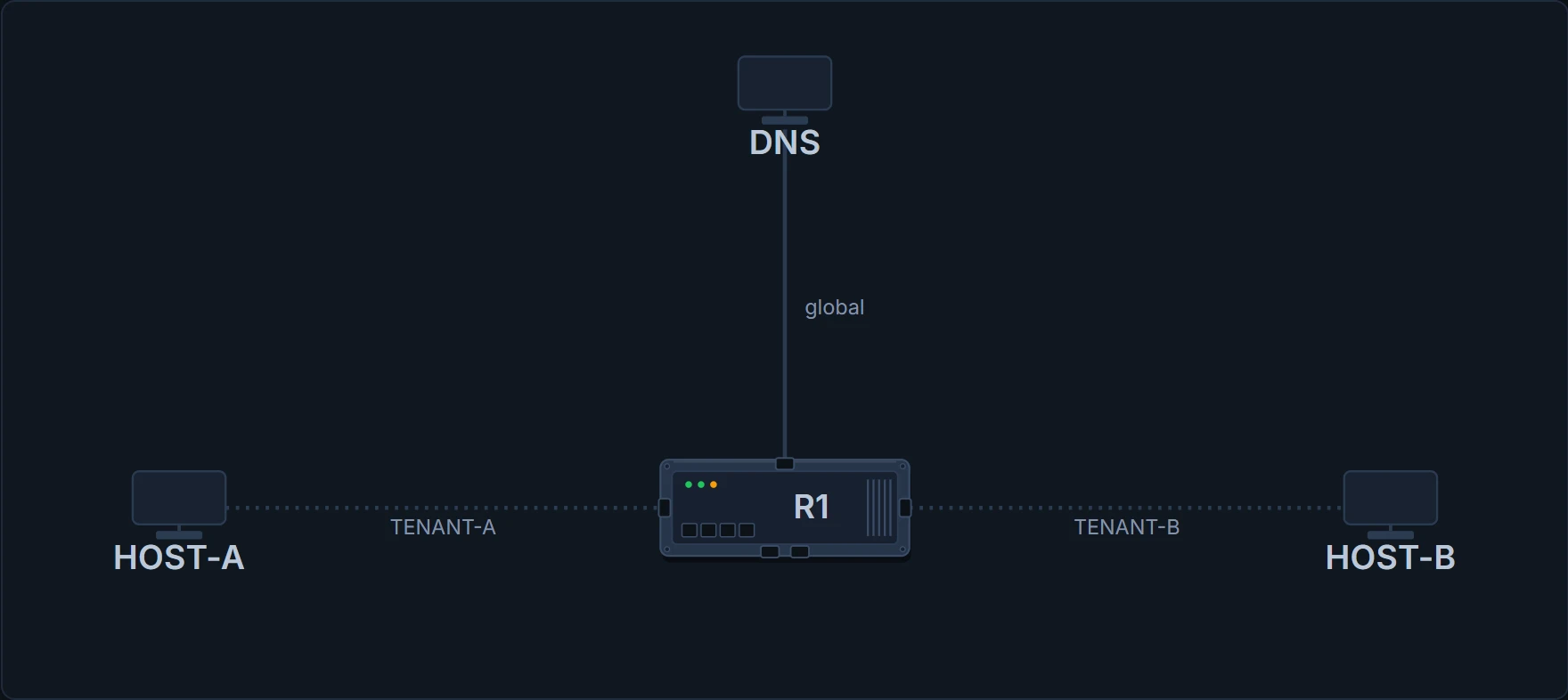
Nothing. Route leaking copied a row from one table to another. No packet takes a different path than it otherwise would. There is no new interface, no new hop and no boundary: there is a table that knows about a prefix it did not know about before.
How many lookups does a packet from HOST-A to the DNS server take now, and in how many tables?
Computed from the state: a packet from HOST-A (10.10.0.40) to the DNS server (172.16.9.53), lookup by lookup. No command prints it.
lookup 1  in TENANT-A   out Gi0/2          TTL 63
! one lookup, in one table, and then the packet is gone
delivered to 172.16.9.53
You cannot inspect a thing that does not exist, and the link between those two tables does not exist. It was never built. Only the knowledge moved.
And three more published limits, worth having before you design rather than after:
The route map is how you leak the shared services subnet and nothing else, but "Only prefix-lists, tags, communities, and metrics can be matched in route maps that are used to filter leaked routes." 4 things, and that is the whole list. This is not a general-purpose route map.
This feature is specific to leaking routes between the global VRF and service VPNs only and doesn't support route leaking from a service VPN to another service VPN, and IPv6 address family isn't supported.
Read the first of those twice: global to VRF only. If the requirement is tenant to tenant directly, this mechanism does not do it: you would have to route both through the global table, which is a different design with different security properties.
And the IPv6 line is worth flagging loudly, because this course is otherwise dual stack throughout: with this mechanism you cannot leak IPv6 at all.
Continue the lesson
The whole lesson, with its drawings and its questions. 5 more sections after the ones above.