
Appendix D: environment variables for CUDA, NCCL, PyTorch, Hugging Face, Ollama and vLLM
A child program gets a copy of its parent's environment at the moment it starts, and after that the two are separate. A service started by systemd never sees your shell's export, because systemctl only asks systemd to start it with the unit file's environment. Set the variable there.
What this page answers
Why is my environment variable ignored by a systemd service?
systemctl restart does not start the server itself; systemd does, with the environment in the unit file. Add it with sudo systemctl edit and an Environment= line under [Service]. Read it in “Set, but not seen”
How are environment variables passed between programs?
When a parent starts a child, the child gets a copy of the parent's list at that moment. After that, changing one never changes the other, so a variable only travels down the family tree, at start time. Read it in “Copied when a program starts”
Set, but not seen
A machine with two GPUs. A colleague is training on GPU 0, so you want your LLM server on GPU 1. The server runs as a systemd service called llm. You set the variable that picks GPUs, restart the service, and check:
$ export CUDA_VISIBLE_DEVICES=1
$ sudo systemctl restart llm
$ nvidia-smi --query-compute-apps=pid,process_name,gpu_bus_id --format=csv,noheader
51804, python, 00000000:01:00.0
52390, /opt/llama.cpp/build/bin/llama-server, 00000000:01:00.0
$ nvidia-smi --query-gpu=index,pci.bus_id --format=csv,noheader
0, 00000000:01:00.0
1, 00000000:41:00.0
Process IDs and bus addresses are examples. The commands and the behaviour are real.
The server landed on bus 01:00.0, which is GPU 0, right next to your colleague's training. Why did it ignore the variable?
- CUDA numbers the GPUs differently from nvidia-smi
- The service never received it: your shell doesn't start the service
- sudo removed it; sudo -E would have kept it
Answer. systemctl restart doesn't start the server itself. It sends a message to systemd, the program that started everything else at boot, and systemd starts the service with the environment written in the unit file. Your shell's variables are never part of that conversation. The fix is to put the variable where systemd will read it:
$ sudo systemctl edit llm
# in the editor that opens:
[Service]
Environment=CUDA_VISIBLE_DEVICES=1
$ sudo systemctl restart llm
$ sudo cat /proc/$(pgrep -f llama-server)/environ | tr '\0' '\n' | grep CUDA
CUDA_VISIBLE_DEVICES=1
That last command is the one to remember. Every running process keeps the environment it started with in /proc/PID/environ, so you never have to guess what a program received: you can read it. Most “the variable is ignored” problems turn out to be “the variable never arrived”.
Copied when a program starts
Every program on Linux is started by another program, its parent, and every program has its own private list of environment variables. When a parent starts a child, the child gets a copy of the parent's list, at that moment. After that, the two lists are separate: changing one never changes the other. So a variable only travels down the family tree, and only at the moment a program starts. Here's the hook's machine as that tree:
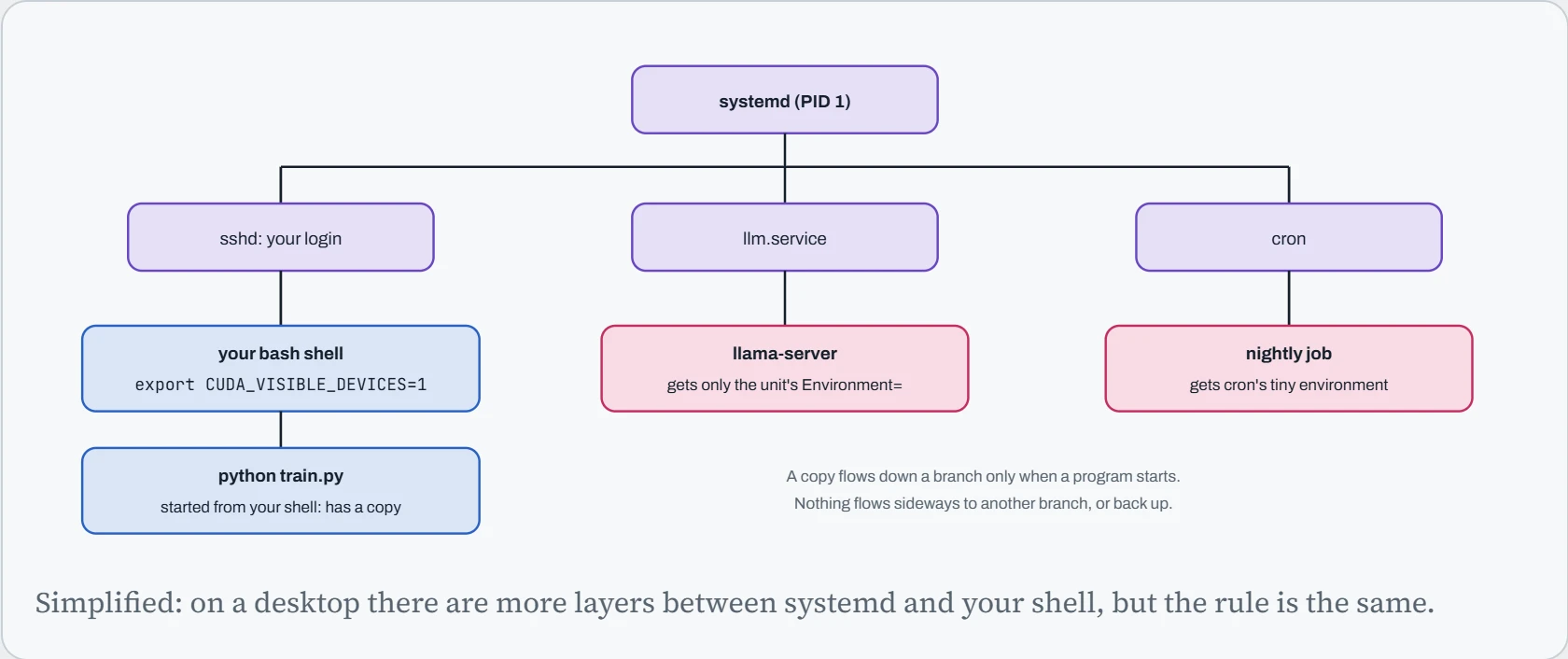
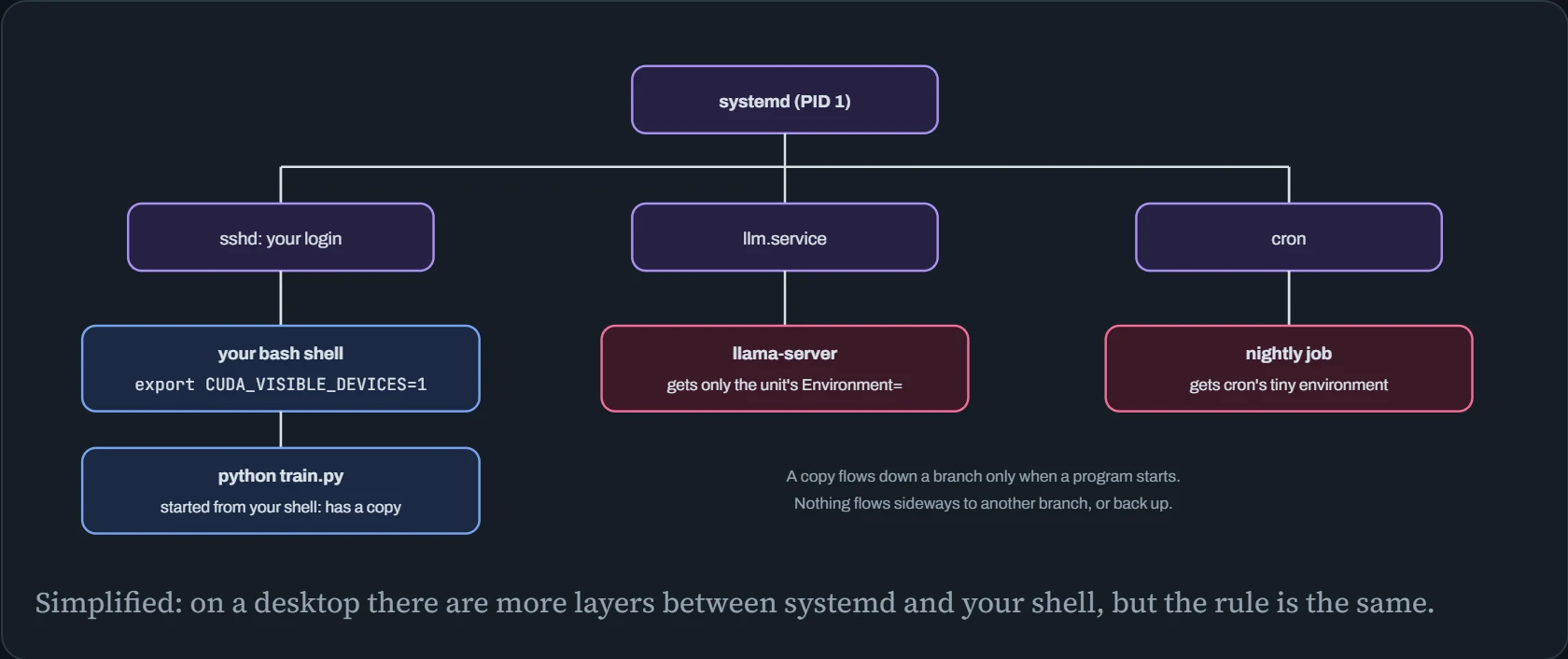
Your export lives in your shell's own list, on the left branch. The server is on a different branch, started by systemd from its unit file, and the cron job on a third. No amount of exporting on the left reaches them. Two more consequences follow from the same rule. A script you run can't set variables in the shell that ran it, because the script is a child, and children can't change their parent (that's why you source an activate script instead of running it). And changing a variable doesn't affect programs that are already running: they keep the copy they started with.
Where to set it
So where you set a variable decides who sees it. Linux has many places to put one, and each reaches a different set of programs. your current terminal, a new terminal, a command run with sudo, a systemd service, a cron job, a Docker container, and a command run over ssh.
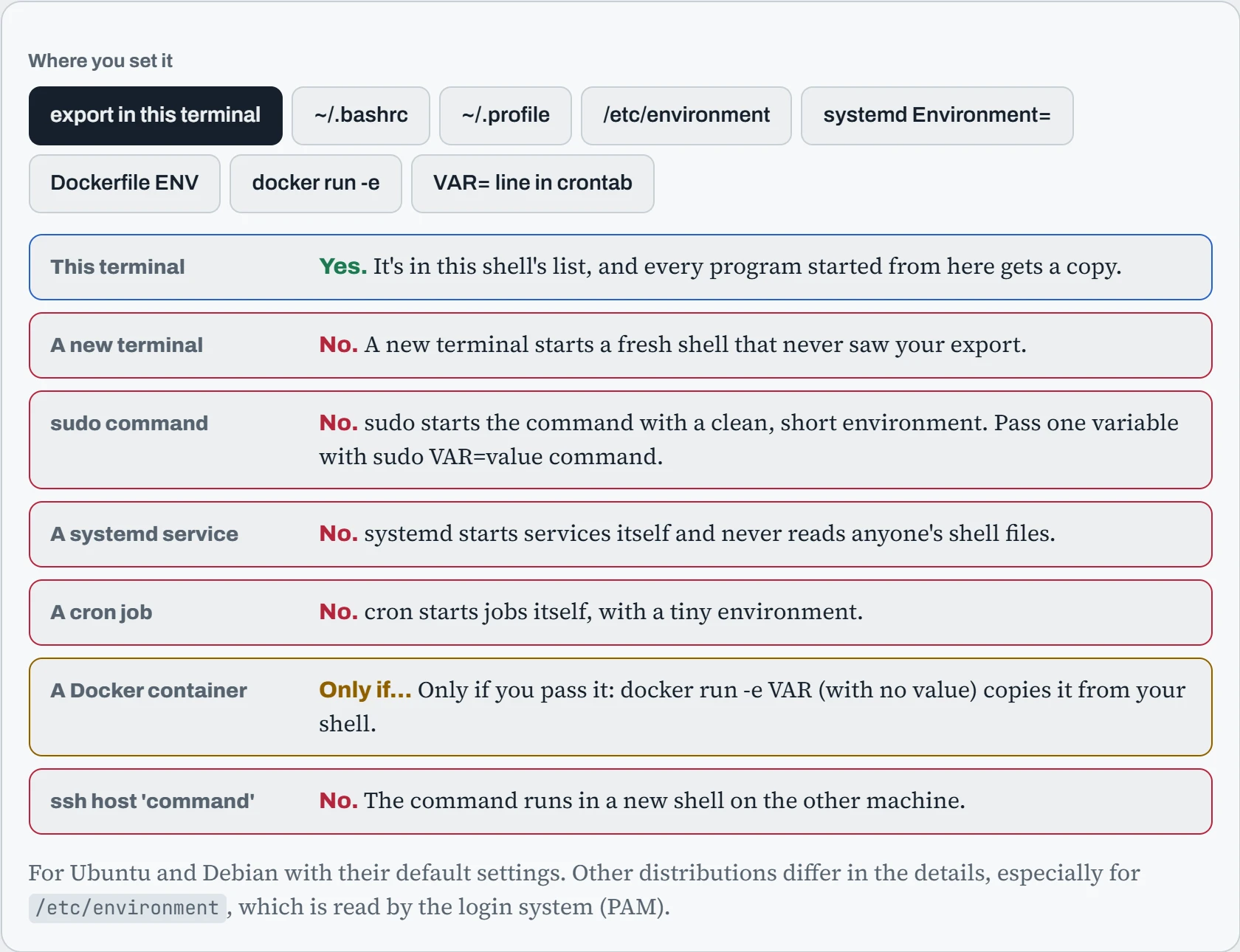
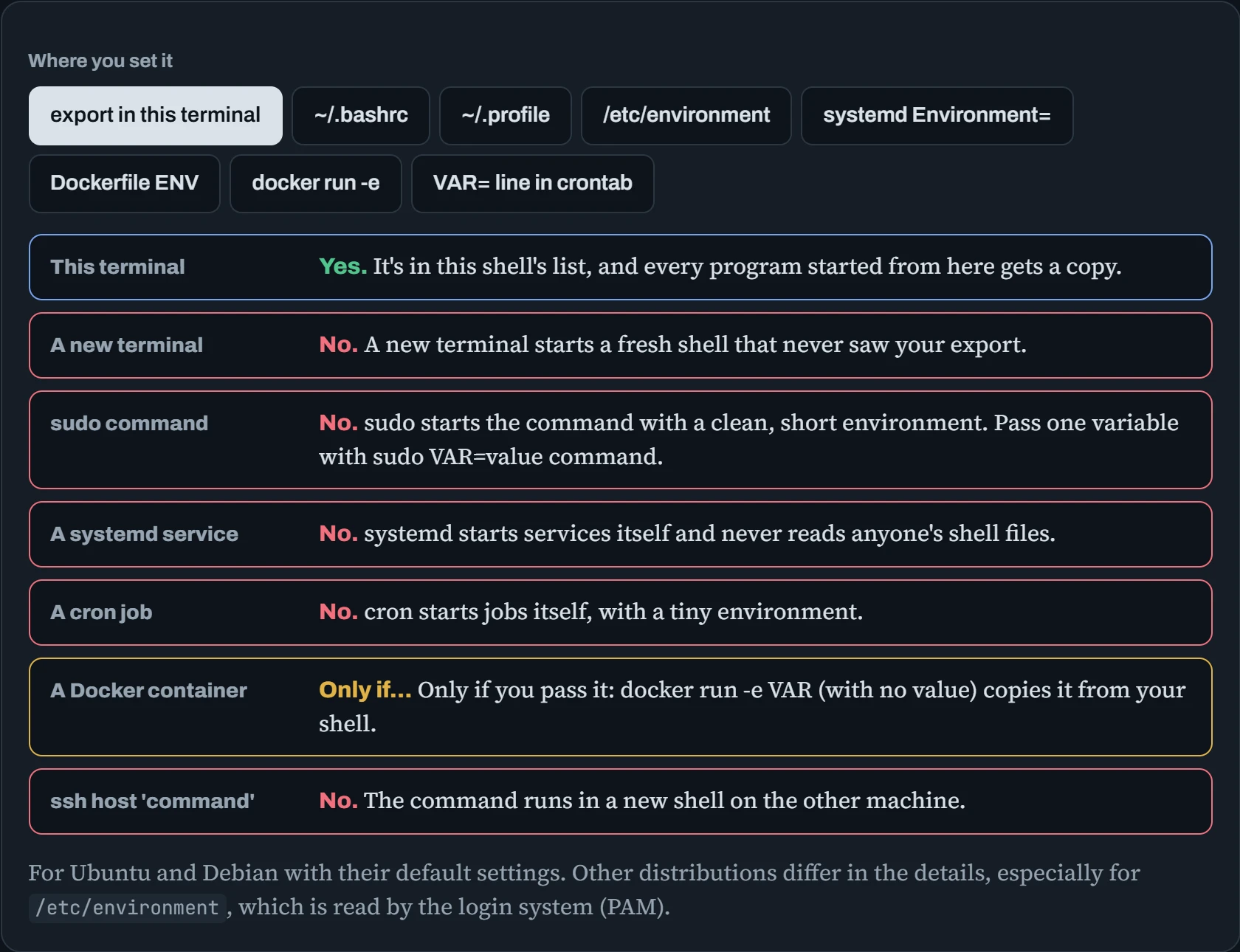
No single place reaches everything, and that's deliberate. a service shouldn't change because someone edited their .bashrc. The practical rule for AI machines is to set each variable next to the thing that runs: in the unit file for a service, in the image or docker run for a container, at the top of the crontab for cron jobs, and in ~/.bashrc only for your own interactive work. When the same value is needed in several places, put it in one file and load that file everywhere: EnvironmentFile= in systemd, --env-file in Docker.
The variables
Here are the variables you'll meet on AI machines, grouped by the software that reads them. Each entry says what it does in plain words, gives an example value, and says when it's read, which matters as much as the value (the next section explains why). Search by name or by plain words like “cache”, “port” or “memory”.
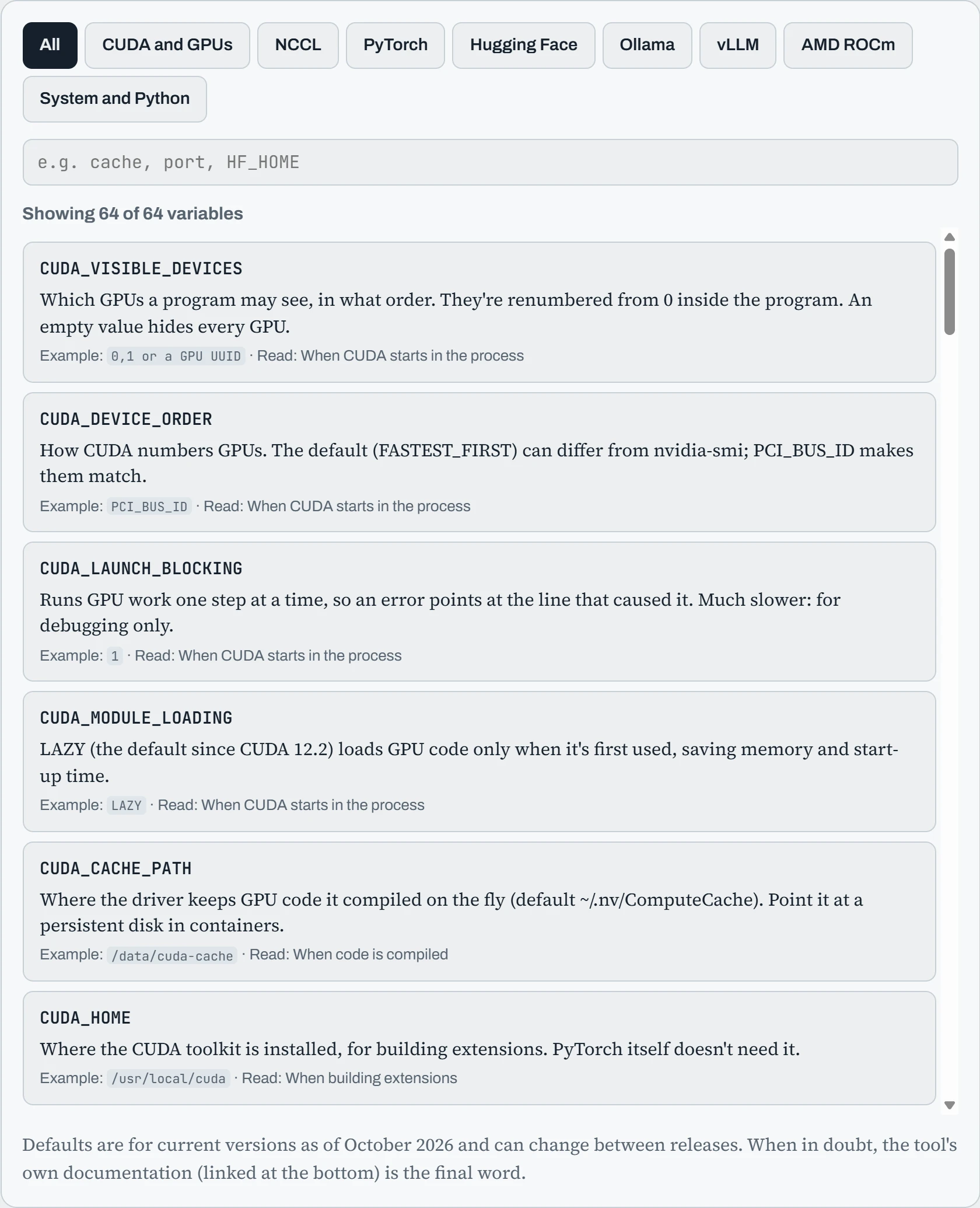
Many of the Hugging Face entries are about where things go: caches, tokens, datasets. On AI machines the single most useful variable is usually HF_HOME, because without it hundreds of gigabytes of models land in your home folder on the system disk. Set it in your shell and in every service that downloads models, or the service quietly fills a different disk.
Continue the lesson
The whole lesson, with its drawings and its questions. The rest of this section and 4 more after it.