
JSON and Data Models
Programs exchange variables, so they need a text format both can read. JSON tries to be readable by people and easy for programs to turn into variables; XML wraps each value in tags; YAML leaves markup out. In JSON, every colon marks one key:value pair, the key in double quotes, and values can be text, numbers, true, false, null, arrays or objects.
By Arif, founder of Daveth · Updated
The full 8 min walkthrough is in Daveth Pro (Network). See what the plan opens
What this page answers
What is the difference between JSON, XML and YAML?
All three describe variables as text. JSON tries to be readable by people and easy for programs; XML wraps each value in a start tag and an end tag, which makes it harder to read; YAML leaves markup out and describes only the data. Read it in “Three languages for the same job”
How do you read JSON?
Every colon marks one key:value pair, with the key in double quotes before it. The value is quoted text, a number, true, false or null, an array in square brackets, or an object in braces. Read it in “Reading JSON”
Variables, and why they need a format
Month ten. The lab API (10.4) answered in text full of braces and quotes, and Ravi's first script has to read it. The text is JSON, and it exists because of variables.
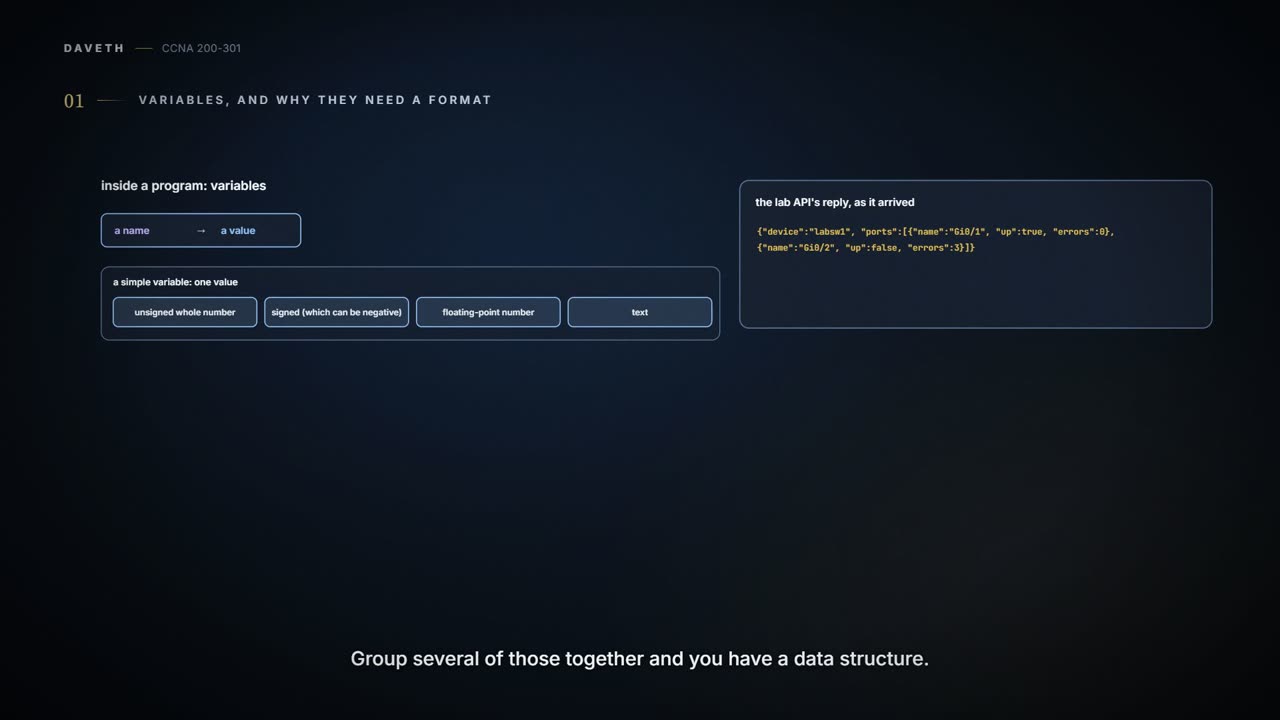
Inside a program, a variable is a name with a value. A simple variable holds one value: an unsigned whole number, a signed one (which can be negative), a floating-point number, or some text. Anything bigger is a data structure, a related set of variables and values. A list holds a series of values under one name, such as the interfaces on a device, and the values can be of different kinds. A dictionary holds pairs, each a key (like a word in a dictionary) and its value (like the definition): speed auto, duplex auto, address 10.1.1.1. And they nest: a list of dictionaries, a dictionary whose values are lists.
Different languages, and even different versions of one language, may store variables differently in memory, so copying the bytes across could give the client nonsense. (In REST terms, the resource the client asked for is a set of variables the API defines.) Instead the server's API code writes the variables out in a data serialization language, the server sends that text, and the client turns the text back into variables of its own, sometimes in a single line of code. The same text can be stored in a file, too.
Three languages for the same job
JSON (JavaScript Object Notation) tries to be readable by people and easy for programs to turn into variables at once. XML (eXtensible Markup Language) grew out of the markup that formats web pages, added a way to define variables, and is used for data in its own right; like HTML, it wraps each value in a start tag and an end tag, which makes it harder to read. YAML (YAML Ain't Markup Language) leaves markup out and describes only the structure, and it is the easiest of the three to read; its indentation carries meaning, so spacing matters. Automation tools (10.6) use it for their files. XML can also put data in attributes inside a tag; the record below uses elements only. Here is roughly the same record in all three (XML needs an outer element to hold it, and its true is only text):
JSON
{
  "name": "Gi0/2",
  "description": "uplink",
  "enabled": true
}
XML
<interface>
  <name>Gi0/2</name>
  <description>uplink</description>
  <enabled>true</enabled>
</interface>
YAML
name: Gi0/2
description: uplink
enabled: true
| Name | Defined by | Central purpose | Common use | |
|---|---|---|---|---|
| JSON | JavaScript Object Notation | RFC 8259 (it grew out of a web page programming language) | general data modeling and serialization | REST APIs |
| XML | eXtensible Markup Language | World Wide Web Consortium (W3C) | data-focused text markup that allows data modeling | REST APIs, web pages |
| YAML | YAML Ain't Markup Language | YAML.org | general data modeling | automation tools' files (10.6) |
Reading JSON
You can often guess what JSON means from what you already know about networks. Reading it properly takes a handful of rules.
Three: every colon marks one key:value pair (colons inside quoted text, like a time or a MAC address, don't count). The key is before the colon, as text in double quotes. The value after it is text (in double quotes), a number (no quotes), true, false or null (no quotes), an array, or an object. Pairs are separated by commas, with none after the last. An object is a set of key:value pairs in curly brackets { }, and acts like a dictionary; an array is a list of values, with no keys, in square brackets [ ]. The values in an array follow the same rules, and can be mixed. Objects and arrays can be values themselves, which is how JSON nests: in {"interface_config": {"ip_address": "10.1.1.1", "speed": 1000}}, the value of interface_config is a whole object. JSON sent over an API usually starts as one object, though other values, such as a bare array, are allowed at the top too. Here is the lab API's reply, spaced out for reading:
The reply, beautified
{
  "device": "labsw1",
  "ports": [
    {
      "name": "Gi0/1",
      "up": true,
      "errors": 0
    },
    {
      "name": "Gi0/2",
      "up": false,
      "errors": 3
    }
  ]
}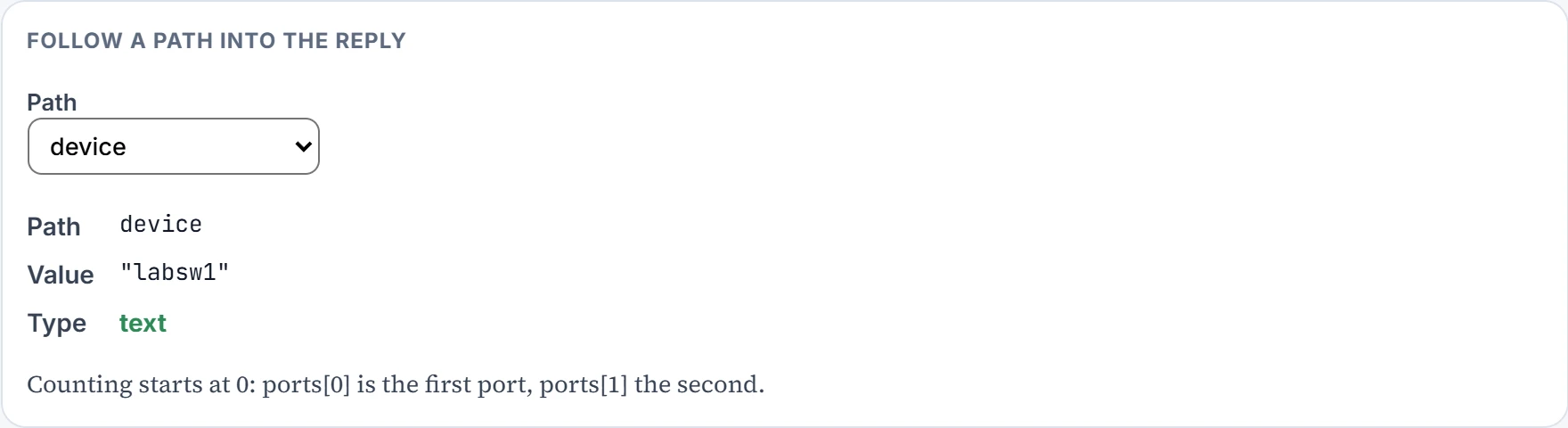
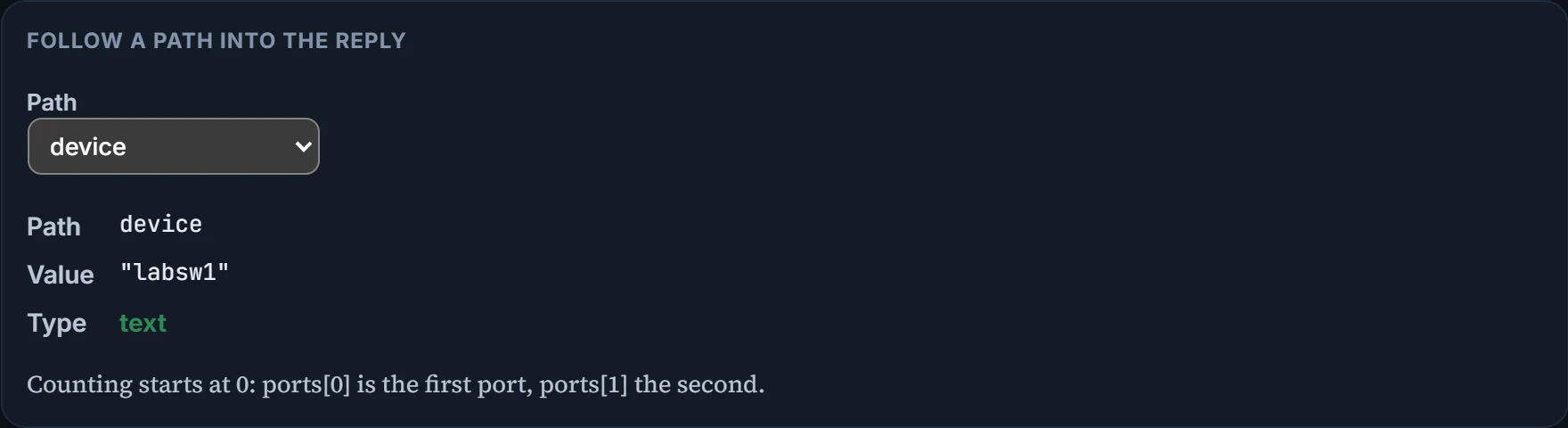
Three. "ports" is an array of two objects. ports[1], the second one (counting starts at 0), has "name": "Gi0/2" and "errors": 3. Counting the objects in the array gives the number of ports, not the number of errors, and a path to something that isn't there, like ports[2], finds nothing at all.
People like it spaced out, as above: matching brackets at the same indent are easier to pair up. Files and networks usually carry it minified, with no spaces or line breaks at all. The data is the same either way; tools can switch between minified (raw) and beautified (pretty).
Continue the lesson
The whole lesson, with its drawings and its questions. The rest of this section and 2 more after it.