
NETCONF and RESTCONF
The CLI was built for people: every vendor spells it differently and answers come back as text laid out for eyes. NETCONF and RESTCONF give programs an interface, and both go through AAA and want privilege level 15. NETCONF is XML over an SSH session on port 830 by default. Its candidate datastore stages changes that are not live, then commits them to running at once.
By Arif, founder of Daveth · Updated
The full 12 min walkthrough is in Daveth Pro (Network). See what the plan opens
What this page answers
What port does NETCONF use?
830 by default: NETCONF runs XML over an SSH session, and the port is configurable. Read it in “NETCONF: a session and a port”
What is the NETCONF candidate datastore?
A scratch copy of the running configuration. Changes written to it are not live until a commit pushes them all into running at once, so a multi-part change has no half-applied window. Read it in “The candidate datastore”
What privilege do NETCONF and RESTCONF need on IOS XE?
Both authenticate through AAA and require privilege level 15. There is no separate API login. Read it in “What they share”
The CLI was never an API
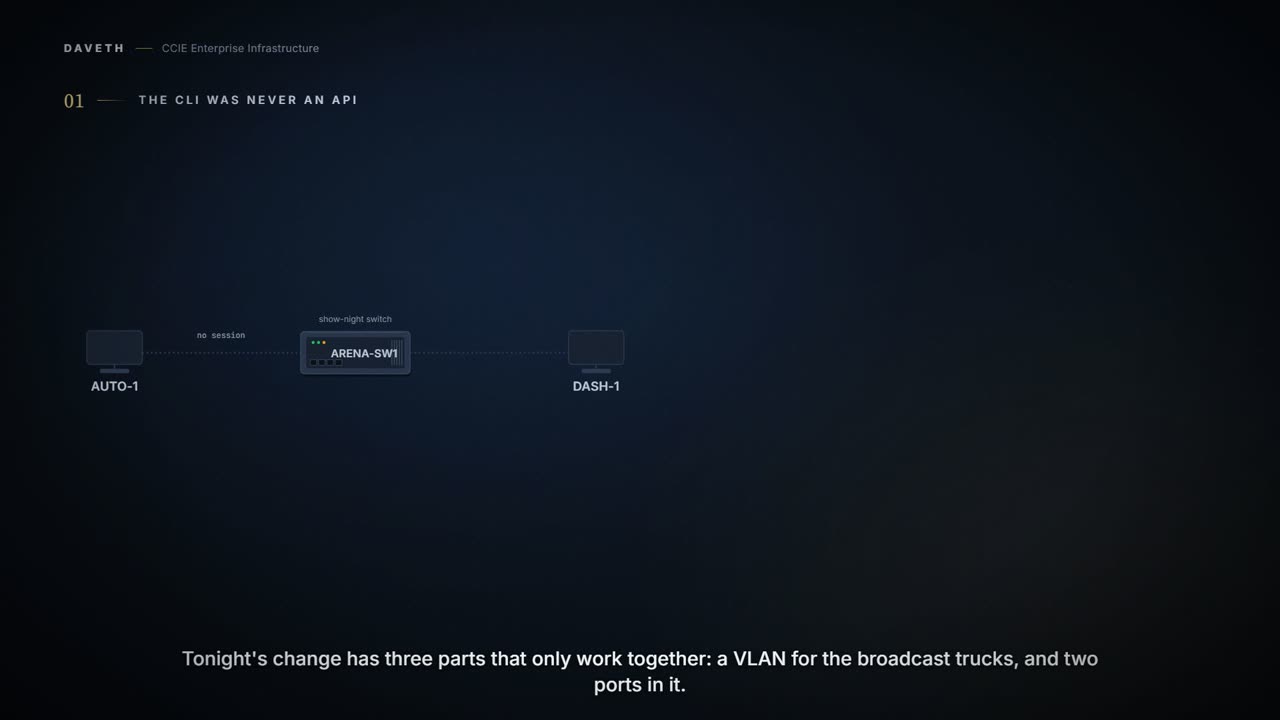
A concert arena sets up ARENA-SW1 for show night. Tonight's change has three parts that only work together: a VLAN for the broadcast trucks and two ports in it. The team's automation server, AUTO-1, makes the change; the operations dashboard, DASH-1, watches the switch. They already have SSH and a CLI. Why would a program want anything else?
Because the CLI was built for you, not for a program. Every vendor spells it differently, and every answer comes back as text laid out for a human to look at. A program has to guess where the columns are, and a program that guesses is a program that breaks the day somebody adds a column. The CLI has no contract. It has a habit.
Plain words first. An API is a way for one program to ask another for something in a fixed, agreed shape. YANG is a language for writing that shape down: which settings exist, what type each one is, and what it is allowed to hold. A datastore is a named copy of the configuration, such as running.
Put those two together and you have the thing the CLI never was. YANG says what the data looks like, and NETCONF carries it. Now a program knows the shape before it asks, and nobody is parsing text at three in the morning.
NETCONF: a session and a port
NETCONF is XML over an SSH session, on port 830 by default. A client opens it, and then calls procedures on the far end: fetch me this, change me that. It is not a web service, and it does not reconnect for every question. It sits there, and while it sits there the switch remembers who it is.
That port is configurable, and the transport is plain SSH, which means it goes wherever your management access already goes.
Configured on ARENA-SW1: NETCONF-YANG turned on; AAA and the privilege 15 users are already configured (4.1.b)
ARENA-SW1# configure terminal
ARENA-SW1(config)# netconf-yang
ARENA-SW1(config)# end
One command, and quite a lot happens. NETCONF uses the device's primary trustpoint, and if the device has not got one it makes itself a self-signed one on the spot. Then it takes its time. The model-driven processes can need a minute and a half to finish coming up, so a client that connects immediately and fails has not necessarily found a fault.
And one thing that will stop it dead. If the older, pre-standard NETCONF is still enabled on the box, the standards-compliant one does not work at all. Not degraded, not slower: it does not work. Two NETCONFs on one switch is one too many.
So did that one command actually start anything?
ARENA-SW1: show platform software yang-management process
ARENA-SW1# show platform software yang-management process
confd            : Running
nesd             : Running
syncfd           : Running
ncsshd           : Running
dmiauthd         : Running
vtyserverutild   : Running
opdatamgrd       : Running
nginx            : Not Running
ndbmand          : Running
Read the list: ncsshd is running, nginx is not. NETCONF brought its own SSH daemon and never needed a web server. Remember that line, because the RESTCONF section turns it exactly around.
And is AUTO-1 actually connected?
ARENA-SW1: show netconf-yang sessions
ARENA-SW1# show netconf-yang sessions
R: Global-lock on running datastore
C: Global-lock on candidate datastore
S: Global-lock on startup datastore
Number of sessions : 1
session-id transport   username source-host       global-lock
-------------------------------------------------------------
21         netconf-ssh auto     2001:db8:40::10   None
That is the whole idea of NETCONF in one output. A session id, a username, an address, and a lock column. The switch is holding on to something. Nothing in RESTCONF will ever print a table like this.
Proves: show netconf-yang sessions proves which NETCONF sessions exist, over which transport, for which user, from which address, and whether each holds a global lock. Does not prove: that the session's requests will succeed, or that the configuration it wrote is what is running now. None of this output's columns records a commit or its rollback.
One place NETCONF is simply not available: a device running dual IOSd or software redundancy does not support it.
The candidate datastore
Have you ever wanted to stage three CLI changes and land them as one? You cannot. Every CLI command takes effect the moment you press Enter, which means every multi-part change has a window in the middle where half of it is live. Tonight that window is a VLAN with no ports in it.
The candidate datastore is a scratch copy of the running configuration. You write into it as much as you like, and nothing you write is live. Then one commit pushes the whole lot into running at once. Three changes go in. One change comes out.
Configured on ARENA-SW1: the candidate datastore, turned on
ARENA-SW1# configure terminal
ARENA-SW1(config)# netconf-yang feature candidate-datastore
ARENA-SW1(config)# end
Turning it on has two consequences worth knowing before you type it. The first: NETCONF and RESTCONF restart, and any session in progress is lost. Do this at four on a Friday and you will find out who was connected.
Is AUTO-1 still connected after that restart?
ARENA-SW1: show netconf-yang sessions
ARENA-SW1# show netconf-yang sessions
R: Global-lock on running datastore
C: Global-lock on candidate datastore
S: Global-lock on startup datastore
Number of sessions : 1
session-id transport   username source-host       global-lock
-------------------------------------------------------------
23         netconf-ssh auto     2001:db8:40::10   None
Look at the session id: it changed. AUTO-1 did not survive the restart, it reconnected. A session id that has moved is the switch telling you it was restarted underneath somebody.
The second consequence is bigger. Once the candidate is on, running is no longer writable through NETCONF at all. Every configuration change now goes in through the candidate and arrives by commit. There is no longer a fast path, and that is the point.
Computed from the state: what NETCONF may write now. No command prints it in this form.
datastore  NETCONF writes  locked by  tonight's change
running    no              -          none of it
candidate  yes             -          none of it
Now the part that catches people. The candidate is shared. It is not your private workspace: several NETCONF sessions can be editing the same candidate at the same time, and a commit pushes whatever is in there, including somebody else's half-finished work. You can commit a change you have never seen.
Which is why the order of operations matters more than the commands do. Lock running. Lock the candidate. Edit the candidate. Commit. Take both locks before you write anything, and nobody can put their change in your commit.
Computed from the state: after AUTO-1 locks both and edits the candidate. No command prints it in this form.
datastore  NETCONF writes  locked by  tonight's change
running    no              23         none of it
candidate  yes             23         all three parts
Read the running row: none of tonight's change. All three parts are sitting in the candidate, and while AUTO-1 holds both locks nobody else can touch either datastore.
How would you see who is holding those locks?
ARENA-SW1: show netconf-yang sessions
ARENA-SW1# show netconf-yang sessions
R: Global-lock on running datastore
C: Global-lock on candidate datastore
S: Global-lock on startup datastore
Number of sessions : 1
session-id transport   username source-host       global-lock
-------------------------------------------------------------
23         netconf-ssh auto     2001:db8:40::10   R, C
Look at the global-lock column: R, C. The legend above it reads R as running and C as candidate. The lock is not a setting, it is a property of a session, which is why it shows up here and nowhere else.
Computed from the state: after the commit, with both locks released. No command prints it in this form.
datastore  NETCONF writes  locked by  tonight's change
running    no              -          all three parts
candidate  yes             -          all three parts
All three parts, applied by one commit, and the locks let go. The broadcast trucks never saw a VLAN without ports.
And if you decide against the change before committing it, there is nothing to undo. Discard the candidate and it goes back to matching running. Nothing you staged was ever live, so there is no rollback to perform.
Continue the lesson
The whole lesson, with its drawings and its questions. 6 more sections after the ones above.