
Configuration change notification and logging
The config log archive records what people did to a switch: each configuration command, per session and per user, entered at the CLI or over HTTP. It is disabled by default and turned on under archive, log config, with logging enable. hidekeys keeps passwords out of the log. And it has one documented blind spot: commands applied from a file with copy are not logged.
By Arif, founder of Daveth · Updated
The full 7 min walkthrough is in Daveth Pro (Network). See what the plan opens
What this page answers
How do you log configuration changes on Cisco IOS XE?
Under archive, log config, enter logging enable, optionally logging size and hidekeys. It is disabled by default and records each command entered in a configuration mode, with the user and session. Read it in “Turning it on”
What does the configuration change log not record?
Commands that are part of a configuration file applied with the copy command. Only complete commands entered in a configuration mode are logged. Read it in “What it will never show you”
What does hidekeys do in the configuration log?
It prevents password information from being displayed in the configuration log files. Read it in “Turning it on”
Who changed this?
Something on this switch is not what it was last week. Who changed it, and when?
The previous lesson logged what the device did. This one logs what people did to it, and it is good at that, with one documented limit that decides whether you can rely on it as an audit control.
What the log keeps
What would you need recorded to answer that question properly?
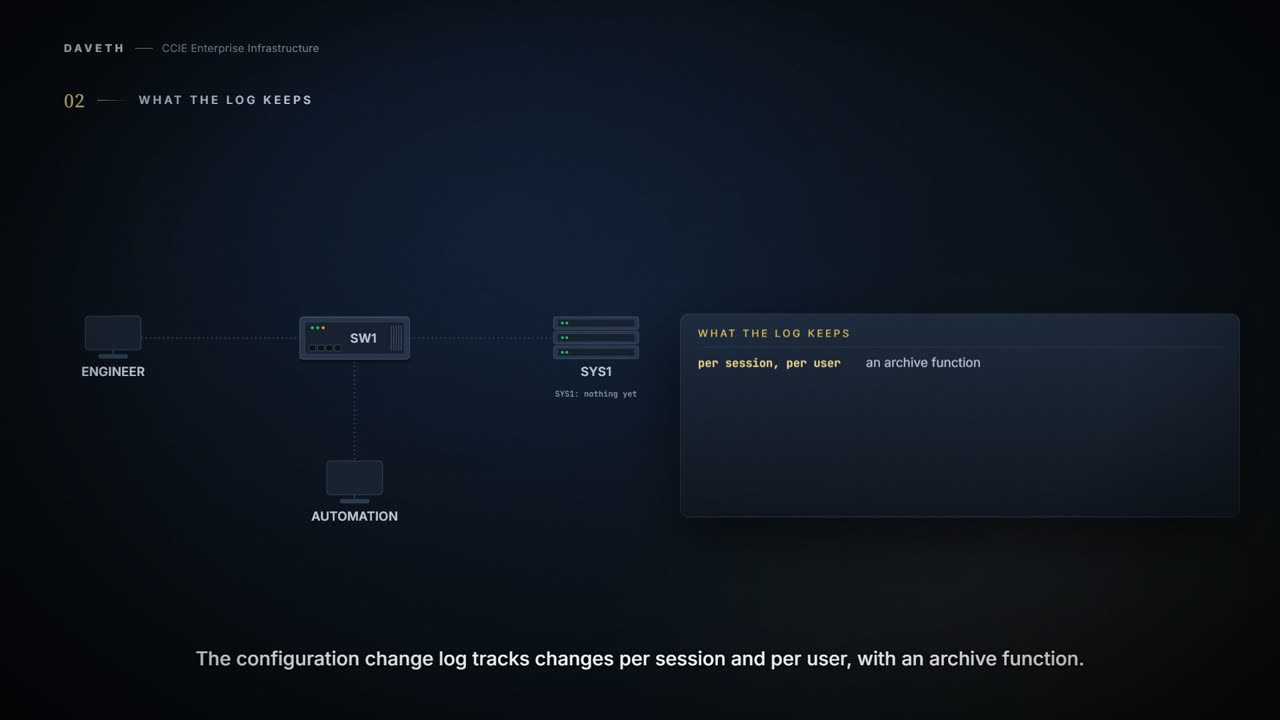
The Configuration Change Notification and Logging (Config Log Archive) feature allows the tracking of configuration changes entered on a per-session and per-user basis by implementing an archive function. The Configuration Change Notification and Logging feature tracks changes made to the Cisco software running configuration by maintaining a configuration log. This configuration log tracks changes initiated only through the CLI or HTTP. For each configuration command that is executed, the following information is logged: The command that was executed The configuration mode in which the command was executed The name of the user that executed the command The time at which the command was executed A configuration change sequence number Parser return codes for the command
Per session, per user, and a record of the commands, not a diff of the configuration. The mode tells you whether a command was typed under an interface or globally. And the last field is less useful than it looks:
You can display information from the configuration log by using the show archive log config command, with the exception of the parser return codes, which are for use by internal Cisco applications only. Only complete commands that result in the invocation of action routines are logged. The following types of entries are not logged: Commands that result in a syntax error message Partial commands that invoke the device help system
The log is a record of accepted commands, not attempts. A command that ends in a syntax error is not an entry at all (step 3), and the return codes are not shown to you anyway. The first version of this lesson said the opposite.
Turning it on
Is it running on a switch nobody has configured for it?
Logging of configuration changes is disabled by default.
No (step 1). What does the stanza look like? The chapter's example lines:
The chapter's example, as printed. Its prompt is Device.
Device(config)# archive
Device(config-archive)# log config
Device(config-archive-log-config)# logging enable
Device(config-archive-log-config)# logging size 200
Device(config-archive-log-config)# hidekeys
Device(config-archive-log-config)# notify syslog
Two of those lines do security work rather than configuration work.
Enabling the hidekeys command increases security by preventing password information from being displayed in configuration log files.
Without it, the log records the command that set a password, password included (step 2 shows it hidden). An audit log that leaks credentials to everyone allowed to read audit logs is a net loss.
You can configure the Configuration Change and Notification Logging feature to send notification of configuration changes to the software system logging (syslog) process. Syslog notifications allow monitoring of the configuration log information without performing polling and information gathering tasks.
Push rather than pull: changes arrive at the collector as they happen.
What it will never show you
Before reading on, decide what you would expect this feature to cover. A change is a change: does it matter how it arrived? Step 4 of the walk asks it.
Only complete commands input in a configuration mode are logged. Commands that are part of a configuration file applied with the copy command are not logged.
Not logged. A file applied with copy, from a server or an automation pipeline, changes the configuration and leaves nothing in this log. Text pasted at the CLI is different: it is entered in a configuration mode, like typing. The line is the copy command.
The same chapter has one more section to read beside that restriction:
These enhancements include changes to meet the following requirements: If you change any logging parameters, those changes are logged. This is effected by the sending of a syslog message for each change to the running configuration from a copy operation (for example, copy source running-config ). EAL Certification is not claimed by Cisco. The logging actions described above are disabled by default.
This course's reading: the chapter says the log does not record commands from a copied file, and, in its EAL4+ section, that a syslog message is sent for each change from a copy operation when those logging actions are enabled. It does not reconcile the two or say exactly what enables the second. So this lesson claims only the first, and suggests settling the second on your own platform: make one typed change and one copied change, and look at both the log and the collector.
Either way, this is a typing audit trail, not a change audit trail. If most of your changes arrive as files, a complete record needs this log plus whatever your push system records.
Continue the lesson
The whole lesson, with its drawings and its questions. The rest of this section and 6 more after it.