
Guest Shell and the Python modules
Applets run CLI commands; loops, conditions and parsing need real code, and it runs on the switch in Guest Shell, a Linux container that shares the host kernel but cannot modify the host's file system or processes. IOx must be configured and running before guestshell enable. On Catalyst 9300 and 9500 it needs 1100 MB free disk. From IOS XE 17.3.1 the default Python is version 3.
By Arif, founder of Daveth · Updated
The full 7 min walkthrough is in Daveth Pro (Network). See what the plan opens
What this page answers
How do you enable Guest Shell on a Catalyst switch?
Configure IOx first and make sure it is running, then use guestshell enable. Without IOx the command reports that the iox feature is not enabled. Read it in “Bringing it up: not the first command”
Which Python version does Guest Shell run?
Python 2 was the default in IOS XE 17.1.1 and 17.2.1; from 17.3.1 the default is Python 3, run with guestshell run python3. Read it in “Which Python?”
How does Python in Guest Shell run switch commands?
Through the pre-installed Cisco cli module, with six functions such as cli.cli(), cli.execute() and cli.configure(), available once Guest Shell is enabled. Read it in “The door”
Where does the code actually run?
5.2.a's applets could run CLI commands. The moment you want a loop, a condition, or to parse some output and act on what you find, you need real code, and it has to run somewhere.
It runs on the switch. But not quite where you would expect.
A container, and what it cannot touch
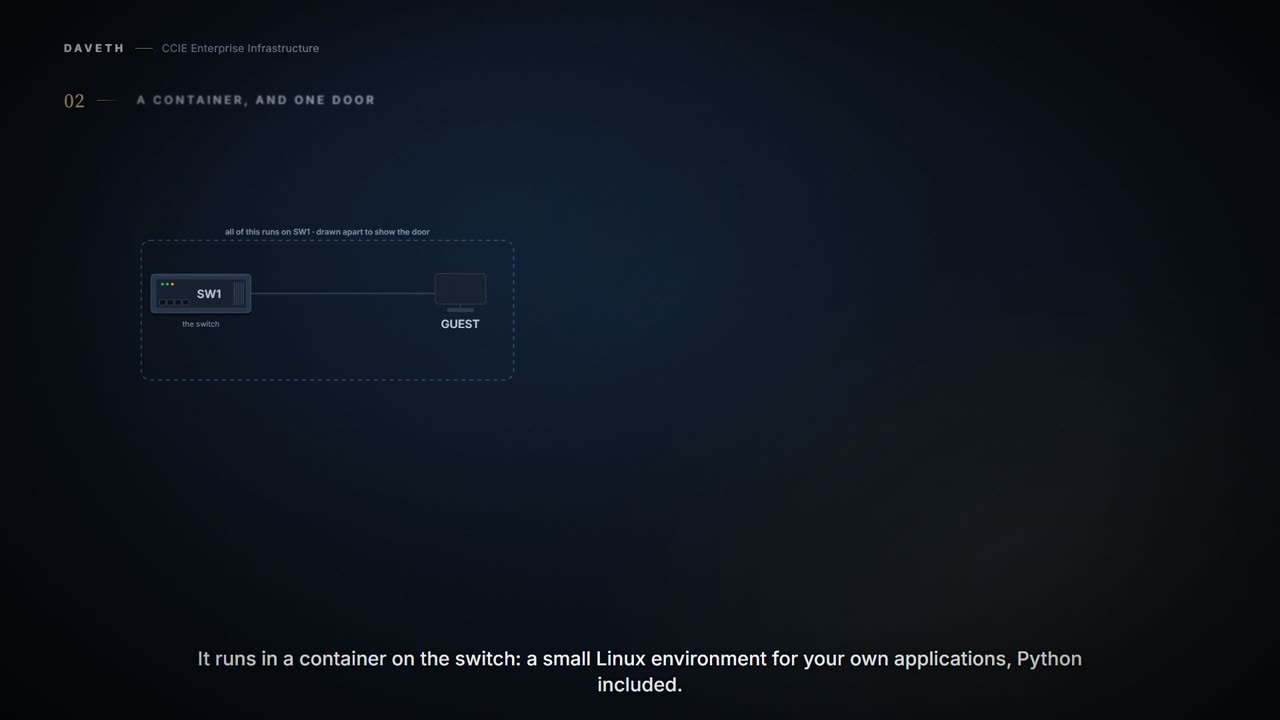
Guestshell is a virtualized Linux-based environment, designed to run custom Linux applications, including Python for automated control and management of Cisco devices.
A container, on the device. Which raises the obvious question: how contained?
Guest Shell shares the kernel with the host (Cisco switches and routers) system. Users can access the Linux shell of Guest Shell and update scripts and software packages in the container root filesystem. However, users within the Guest Shell cannot modify the host file system and processes.
Read the last sentence again. Cannot modify the host file system and processes. That is not a limitation to work around. It is the property that makes running your own code on a production switch defensible at all. Everything Guest Shell does to the switch has to go through one controlled door, the cli module below.
And be precise about what that door is protecting. The isolation keeps the container from reaching into the host filesystem and the host processes. It does not make the commands travelling through the cli module safe: a script that shuts an interface shuts it, and a script that writes a configuration line writes it. The boundary limits what the container can do to the device's own files. It does not limit what the device will do when a script asks it politely.
Bringing it up: not the first command
The Guest Shell is bundled with the system image and can be installed using the guestshell enable Cisco IOS command.
So guestshell enable is the command. Is it the first one? Predict, then read:
IOx must be configured before the guestshell enable command is used. IOx must be configured, and running for Guest Shell access to work.
Skip that, and the chapter gives the message you will see on the console. Step 1 of the walk:
SW1# guestshell enable
iox feature is not enabled.
This course's sequence, with the chapter's commands.
SW1(config)# iox
SW1(config)# exit
SW1# guestshell enable
Two commands tell you whether the layer underneath is up. What does each answer? The first: are the IOx services running? The second: is the Guest Shell application there, and in what state? The chapter's samples, as printed (the first lines of the first):
Device# show iox-service
IOx Infrastructure Summary:
---------------------------
IOx service (CAF) 1.10.0.0 : Running
IOx service (HA)          : Running
IOx service (IOxman)      : Running
Device# show app-hosting list
App id                           State
------------------------------------------------------
guestshell                       RUNNING
Look at the State column: RUNNING is the line that matters. What these prove: the IOx services are up, and the Guest Shell application is present and running. What they do not prove: that a script inside it can reach the CLI. The container can be running perfectly while a script fails on a malformed command or a path that is not mounted. Container health and script success are separate questions, and this output only answers the first. Steps 2 and 3.
And the way back, which is not symmetrical:
The guestshell disable command shuts down and disables Guest Shell. The guestshell destroy command removes the rootfs from the flash filesystem. All files, data, installed Linux applications and custom Python tools and utilities are deleted, and are not recoverable. Removing IOx removes access to the Guest Shell, but the rootfs remains unaffected.
Disable stops it. Destroy deletes everything inside, for good. Removing IOx only takes away access. Those are three different commands with three very different consequences.
What it costs
How much of the switch does it take? The chapter's resource table gives Guest Shell a default of 1% CPU and 256 MB of memory, with its own note on the CPU figure:
1% is not standard; 800 CPU units/ total system CPU units. Cisco Catalyst 9300 Series Switches and Cisco Catalyst 9500 Series Switches require 1100 MB free hard disk space for Guest Shell to install successfully.
Read those as a design statement. This is somewhere to run a management script, not a general-purpose compute box, and 1100 MB of free disk is worth checking before you plan a deployment around it. Notice the platform is named; do not carry that number to other hardware.
By default, Guest Shell allows applications to access the management network. VirtualPortGroups are supported only on routing platforms.
So on a Catalyst 9300 the container reaches the network through the management interface by default. The chapter's own sections for switches are the management interface and the AppGigabitEthernet interface; VirtualPortGroup is a router feature. Named here, not expanded.
Which Python?
Older material, including the first version of this lesson, says Python 2.7. The Guest Shell chapter for 17.9 says what changed:
In Cisco IOS XE Amsterdam 17.1.1 and Cisco IOS XE Amsterdam 17.2.1, Python V2 is the default. However, in Cisco IOS XE Amsterdam 17.3.1 and later releases, Python V3 is the default.
The chapter's example for Catalyst 9000 on 17.3.1 and later: the command and the first line of the banner.
Device# guestshell run python3
Python 3.6.8 (default, Nov 21 2019, 22:10:21)
The Python API chapter has not caught up everywhere. It still carries this sentence:
Guest Shell is pre-installed with Python Version 2.7.
Its samples are from that era too; you will see Python 2 print statements in its script below. On 17.9, expect Python 3. Where the two chapters differ, the release-specific statement wins over the leftover one.
The door
How does code inside the container reach the switch outside it?
Cisco provides a Python module that provides access to run EXEC and configuration commands. The Cisco CLI Python module and EEM module are pre-installed on devices. Guest Shell must be enabled for Python to run.
Already installed, and useless until Guest Shell is up. Here is its surface:
The Python programming language uses six functions that can execute CLI commands.
cli.cli() · cli.clip() · cli.execute() · cli.executep() · cli.configure() · cli.configurep(). Look at the names before reading the descriptions, and predict how many genuinely different things are happening. Step 4 of the walk asks the sharpest version of that question.
This function takes an IOS command as an argument, runs the command through the IOS parser, and returns the resulting text. If this command is malformed, a Python exception is raised. This function works exactly the same as the cli.cli(command) function, except that it prints the resulting text to stdout rather than returning it.
This function executes a single EXEC command and returns the output; however, does not print the resulting text No semicolons or newlines are allowed as part of this command. Use a Python list with a for-loop to execute this function more than once. This function executes a single command and prints the resulting text to stdout rather than returning it.
This function configures the device with the configuration available in commands. It returns a list of named tuples that contains the command and its result This function works exactly the same as the cli.configure(command) function, except that it prints the resulting text to stdout rather than returning it.
Continue the lesson
The whole lesson, with its drawings and its questions. The rest of this section and 7 more after it.