
Catalyst Center API tokens
A scheduled job ran for a month, then produced half a report and authentication errors, because it ran longer than usual. Catalyst Center, formerly DNA Center, issues a token for a POST to /dna/system/api/v1/auth/token with Basic auth. The token is valid for one hour, and it goes in an X-Auth-Token header, not Authorization: Bearer. Path prefixes group the API: intent, data and system.
By Arif, founder of Daveth · Updated
The full 6 min walkthrough is in Daveth Pro (Network). See what the plan opens
What this page answers
How long is a Catalyst Center API token valid?
One hour. A script that gets a token at start-up fails once it runs past the hour, with nothing in the code marking the boundary. Read it in “How long does it last?”
How do you get a Catalyst Center API token?
POST to /dna/system/api/v1/auth/token with an Authorization header holding the Base64-encoded username:password, Basic auth. Read it in “Getting a token”
Which header carries the Catalyst Center token?
X-Auth-Token, on every API call, not the usual Authorization: Bearer header. Read it in “The header nobody expects”
The script that worked for an hour
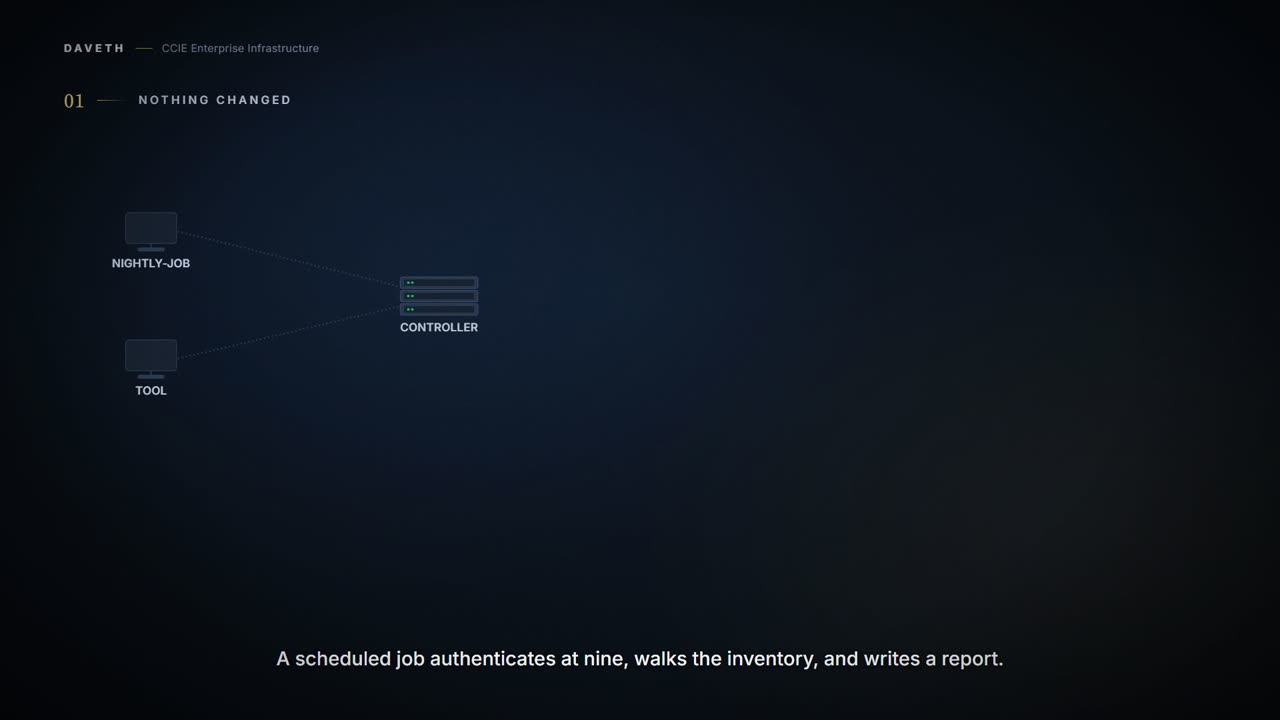
A scheduled job authenticates at nine, walks the inventory and writes a report. It has run every morning for a month. This morning it produced half a report and a wall of authentication errors. Nothing was deployed. Nothing changed. The job simply ran longer than usual. Why would that be enough?
A note on names: the blueprint says DNA Center; the current documentation says Catalyst Center. It is the same product, renamed, and the paths still begin /dna/.
Getting a token
What does a password actually buy you here? One call: a POST to /dna/system/api/v1/auth/token, with the credential in the Authorization header.
API supports both Basic auth and AES key encryption as Authorization token in header. For Basic Auth: Authorization header is Base64 encoded string of
The page goes on: the string is username:password. Getting Started shows the whole exchange with curl, the credential passed with -u:
The documented token request, as Getting Started prints it.
curl -X POST https://<IP ADDRESS>/dna/system/api/v1/auth/token \
  -H Content-Type: application/json \
  -u "username:password"
The documented response, as Getting Started prints it, token shortened in the published example.
{
  "Token": eyJ0eXA ... O5uEMR-tc
}
So Basic auth is not the authentication for the API. It is the authentication for one call, the one that issues a token. And Base64 is an encoding anyone can reverse, so on that call the only thing protecting the password on the wire is TLS. Keep that in mind for the certificate section.
How long does it last?
You have a token. Before you read on, commit to how long it is good for. Step 3 of the walk asks the same question at 10:02.
API to obtain an access token, which remains valid for 1 hour.
One hour. That sentence is the whole of the opening mystery. A script that requests a token at start-up is correct for as long as it runs inside the hour and wrong the moment it does not, and nothing in the code marks the boundary. The bug lives in the elapsed time.
Which tells you where the token request belongs: not in the setup block, but somewhere that can run again. Refresh on age, or on the first authentication failure, and then repeat the call that failed.
The header nobody expects
The second thing this platform does its own way:
The token obtained using this API is required to be set as value to the X-Auth-Token HTTP Header for all API calls to System.
Not Authorization: Bearer. A dedicated header, X-Auth-Token. Notice the sentence says calls "to System", and then look at Getting Started, which uses the same header on an inventory call under /dna/intent/:
Add an X-Auth-Token header to your request.
The documented inventory request, as Getting Started prints it.
curl -X GET https://<IP ADDRESS>/dna/intent/api/v1/network-device \
  -H X-Auth-Token: YOUR-TOKEN-HERE \
  -H Content-Type: application/json
Why does the name matter beyond typing it correctly? A client library set up for bearer tokens gets a token from the token call, because that call takes Basic auth. Then it sends the token somewhere this API does not look. The reference lists what a call is told when that happens:
The client's authentication credentials included with the request are missing or invalid.
This course's reading: a token that arrives in the wrong header is missing credentials; a token past its hour is invalid ones. Both come back 401, and the pages print neither case as an example. Step 6 of the walk is the first: a one-minute-old token, and still a 401. That sends people back to the token endpoint, the one part that was working.
Three prefixes
How do you know which family a call belongs to before you have read the rest of the path?
Catalyst Center API are organized under different path prefixes based on their functional domain:
| Path prefix | Description | Examples |
|---|---|---|
/dna/intent/api/ | Intent API for event management and subscriptions | Event webhooks, Licensing, SNMP config, Syslog destinations |
/dna/data/api/ | Data aggregation API for monitoring and analytics | Network summary, site health, alerts |
/dna/system/api/ | System management API | Backup/restore, user management, diagnostics |
That table is Getting Started's, cell for cell. Look at where the token endpoint sits: under /dna/system/api/, with user management. Authentication is a system function.
Now look at the inventory call above: /dna/intent/api/v1/network-device, under a prefix described as event management and subscriptions. The description reads narrower than the prefix is used. It is quoted as printed and not corrected here; read the prefix as a family, and the endpoint's own page for what it does:
Returns list of network devices based on filter criteria such as management IP address, mac address, hostname, etc.
The verbs do what HTTP verbs do: GET reads; POST and PUT change something.
Continue the lesson
The whole lesson, with its drawings and its questions. 5 more sections after the ones above.