
Jinja
Jinja is filed with JSON, XML and YAML but works the other way: those encode a structure that exists, while Jinja takes text with holes, fills them, and produces more text. You have met its double braces in SD-WAN CLI templates, as {{hostname}}, filled per device. Catalyst Center checks a template's syntax when it is saved, and refuses to save one with errors.
By Arif, founder of Daveth · Updated
The full 5 min walkthrough is in Daveth Pro (Network). See what the plan opens
What this page answers
What is the difference between Jinja and JSON or YAML?
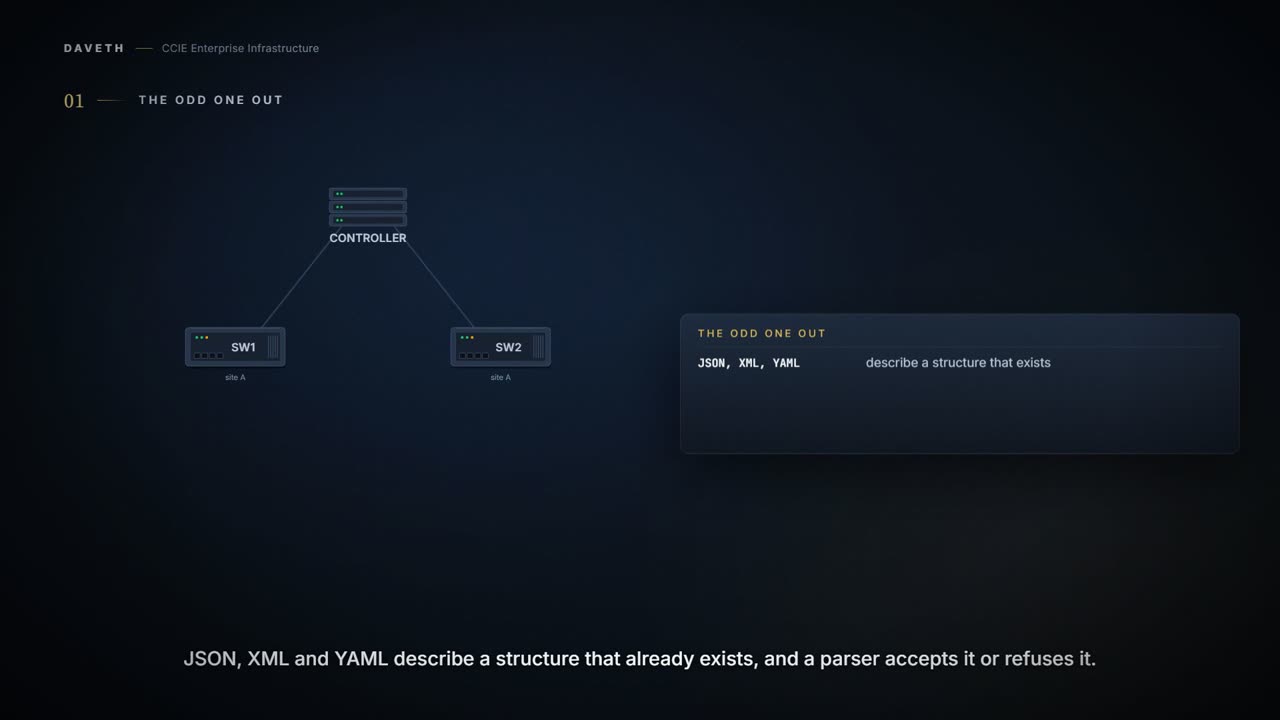
JSON, XML and YAML describe a structure that already exists, and a parser accepts or refuses them. Jinja is a template: text with holes that are filled to produce more text, such as device configuration. Read it in “The odd one out”
How are variables written in SD-WAN CLI templates?
In double braces, {{variable-name}}, such as {{hostname}}. Values are filled in per device after attaching the template, typed or uploaded in a CSV file. Read it in “Where you meet it”
Does Catalyst Center validate templates?
It checks a template for errors when it is saved: with a syntax error, the content is not saved. Variables can also carry validations for the values entered. Read it in “What is checked, and what is not”
The odd one out
Four topics sit under Data encoding formats. Three of them encode data. This one does not, and the gap between what it is and where it has been filed is worth more to you than any amount of its syntax.
JSON, XML and YAML describe a structure that already exists: running configuration, operational state, an inventory. You hand one to a parser and the parser accepts it or refuses it. Jinja runs the other way. It takes text with holes in it, fills the holes, and produces more text: a configuration that did not exist until it was rendered. So ask the question the grouping hides: when a template renders, what has been checked?
Where you meet it
You have met the double braces already, in 2.2.d.i. The SD-WAN chapter writes them like this:
You can also type the variable name directly, in the format {{variable-name}}; for example, {{hostname}}. These variables can be filled in device variables page per device after attaching the template. Values can be entered manually or can be uploaded via a csv file.
The SD-WAN chapter's example, its first lines as printed.
system
   host-name {{hostname}}
   system-ip {{system_ip}}
   domain-id 1
   site-id {{site_id}}
On the Catalyst Center side the language is a choice you make, and the purpose is stated plainly:
Choose either the Velocity or Jinja language to use for the template content. Templates provide a method to easily predefine configurations using parameter elements and variables. Templates allow an administrator to define a configuration of CLI commands that can be used to consistently configure multiple network devices, reducing deployment time.
Read consistently configure multiple network devices twice. It is the value and the hazard in one clause. The fastest way to misconfigure fifty devices identically is to do it correctly, once, in a template.
What is checked, and what is not
The first version of this lesson said the template's own syntax is the entire list. The Catalyst Center chapter says more, and the accurate list is worth having. First, the template:
After saving the template, Catalyst Center checks for any errors in the template. If there are any syntax errors, the template content is not saved and all input variables that are defined in the template are automatically identified during the save process.
Then the values, if you define the check:
You can also use the variables to provide validations for variables such as maximum length, range, and so on.
Then the rendered text, by eye:
The interactive template simulation lets you simulate the CLI generation of templates by specifying test data for variables before sending them to devices.
And Catalyst Center's own intent:
Potential design conflicts identify the intent commands in the CLI template and flag them, if the same command is pushed by switching, wireless, SD-Access, or fabric. Make sure your template does not overwrite a network-intent configuration pushed by Catalyst Center.
Now notice what is missing from that list. Nothing checks the rendered configuration against the device. There is no schema behind it, no model to validate against, no equivalent of a parse error that names the wrong line before the push. JSON and a YANG model reject a bad payload early, in one place. A rendered template meets the device's own command parser, one line at a time, on every device it is attached to. Steps 1 to 5 of the walk show each check doing its job.
This course's reading, not a quotation: a payload error is refused; a template error that passes these checks is applied, because each rendered line is judged only as a command. No page read here states device behaviour for this.
Continue the lesson
The whole lesson, with its drawings and its questions. 5 more sections after the ones above.